Categories
Work

Company Business Trip in 2023

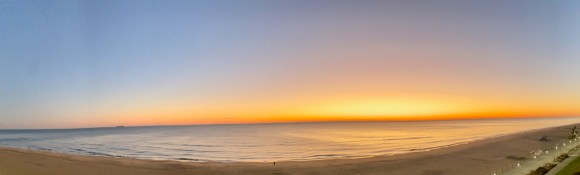
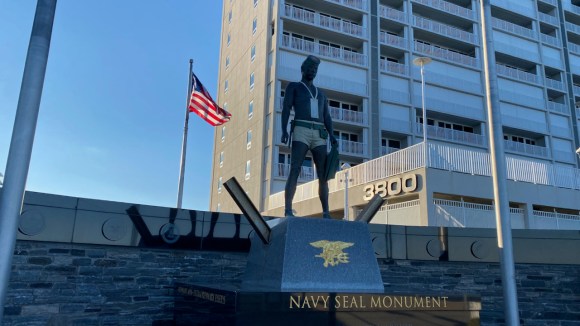
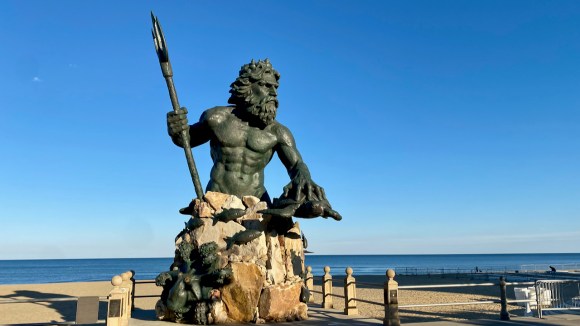
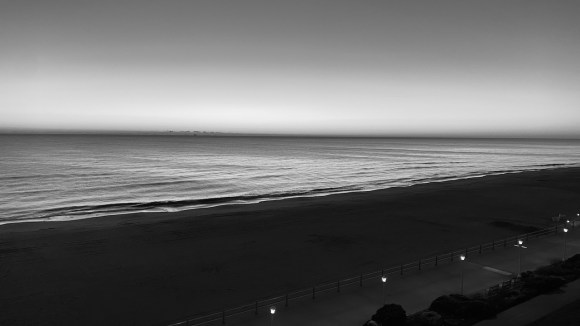
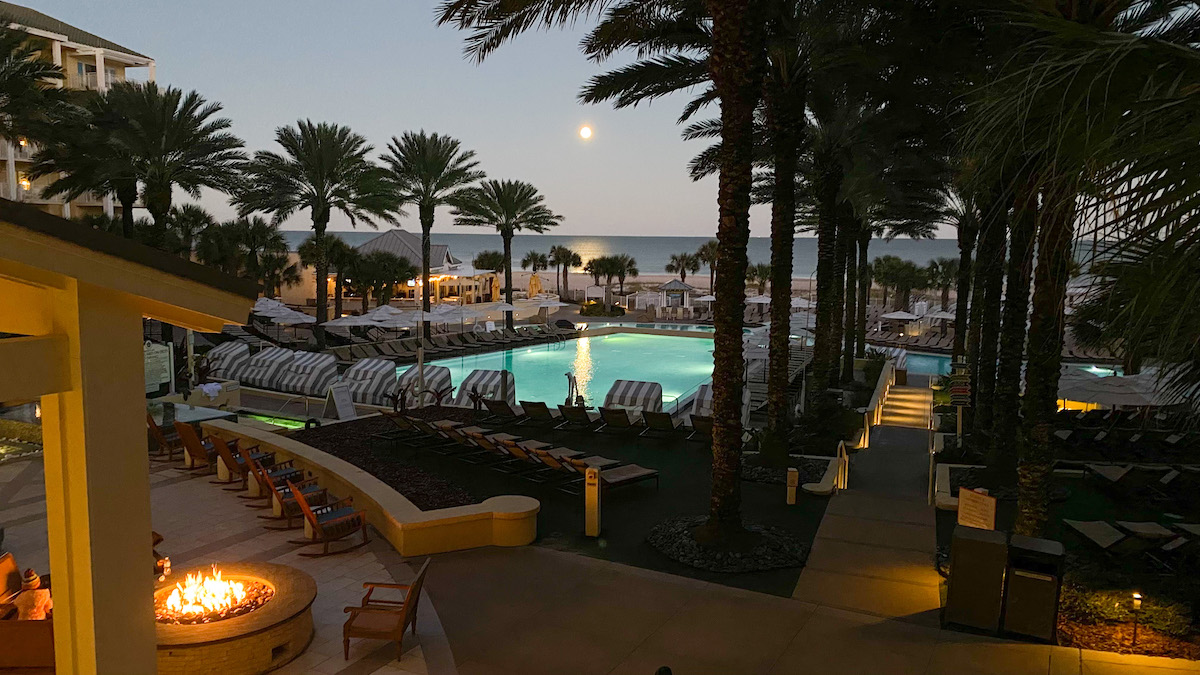
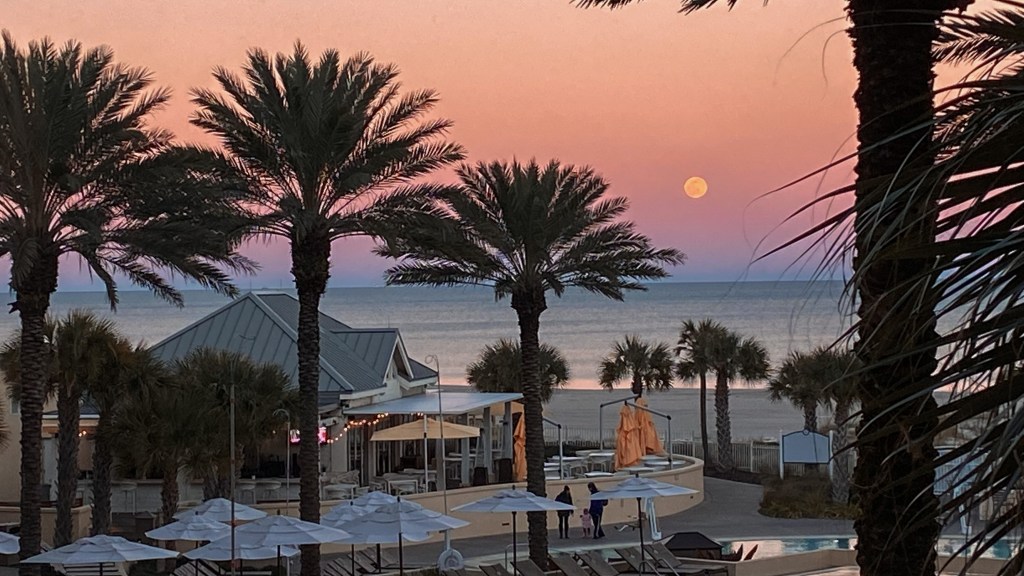
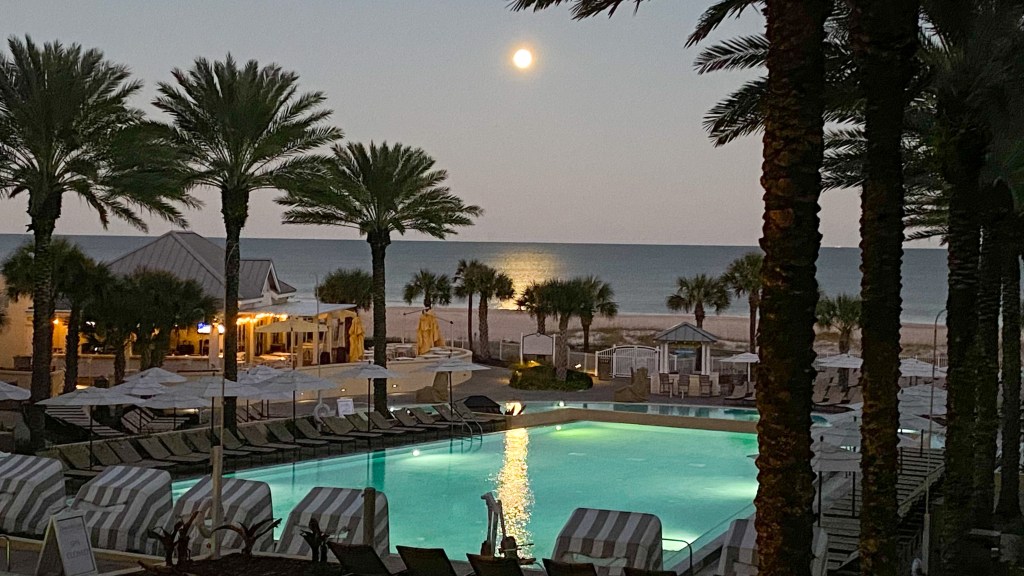
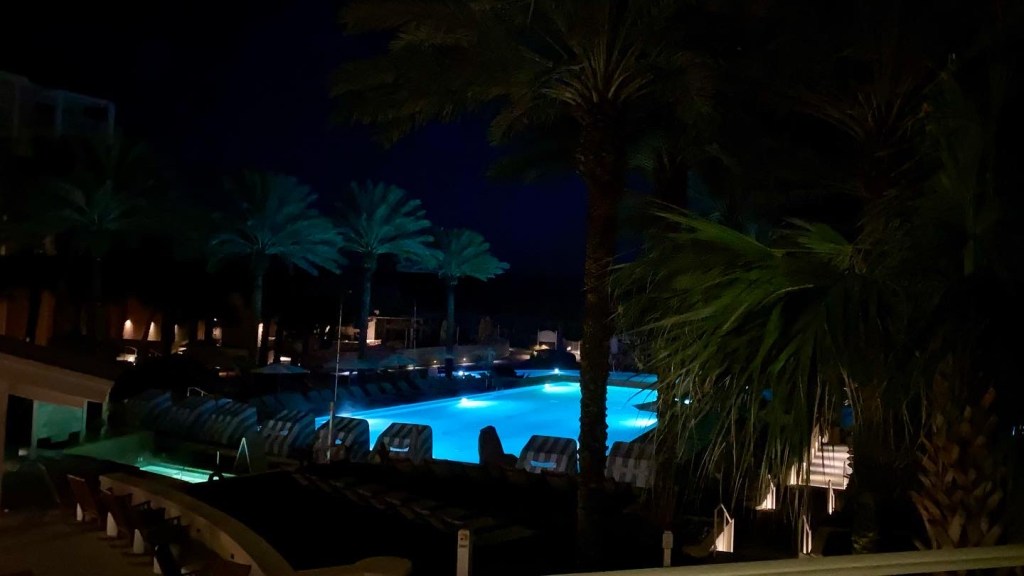
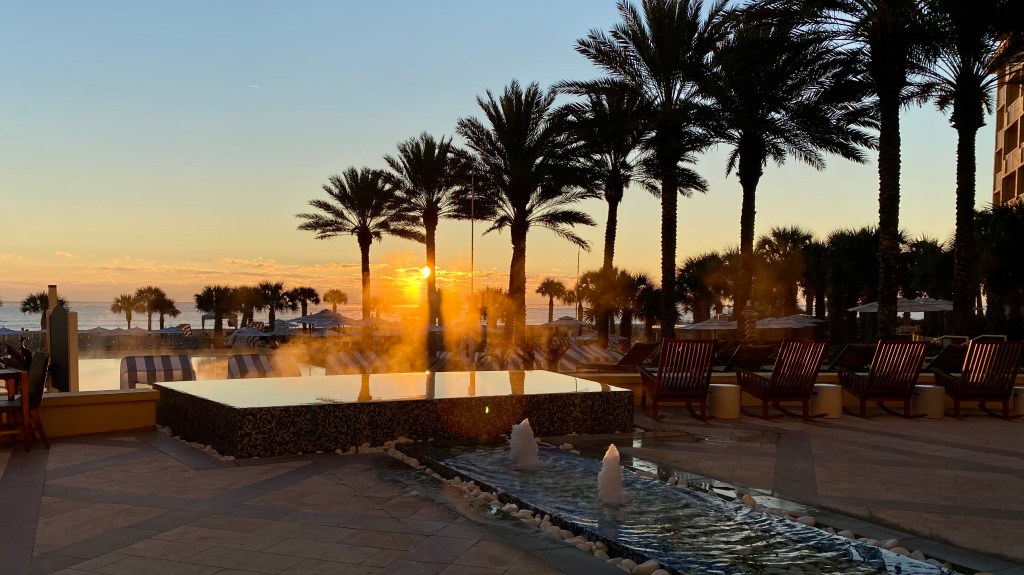
I am on another business trip! This week I am in Virginia Beach, Virginia. Since it is off season (January), the rates are very reasonable. I have book a room with an ocean view.

I am meeting most of my colleagues from the IT department this week. Tonight I get to meet the CEO and then we are off to dinner.

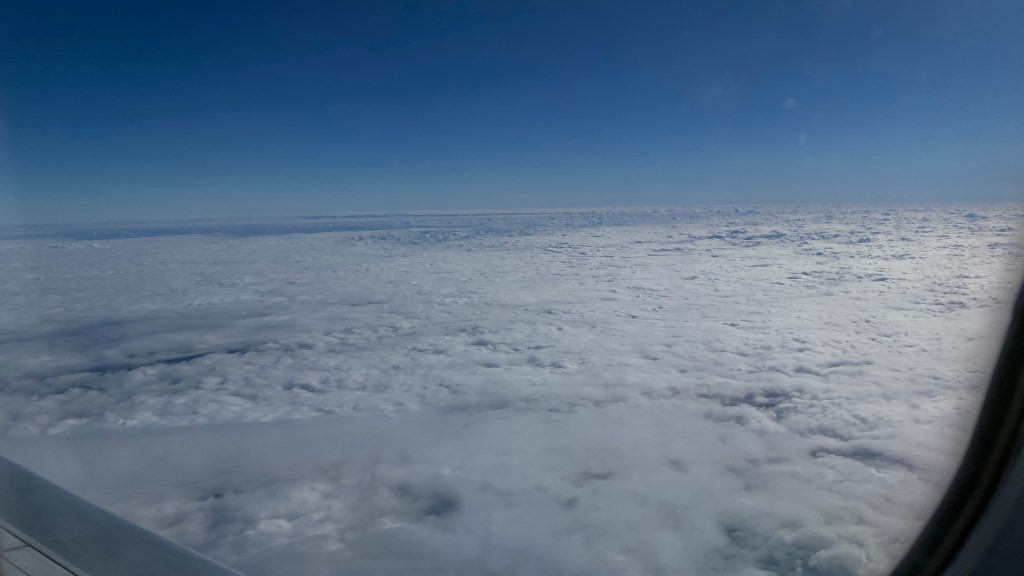
The drive was only 5 hours from Wilmington, Delaware. Most of the drive was cloudy and didn’t rain until I was in Virginia. Depending on how the week goes and if I check out early enough on Saturday, I might drive to the Outer Banks (OBX) and then head home on Sunday.

Update

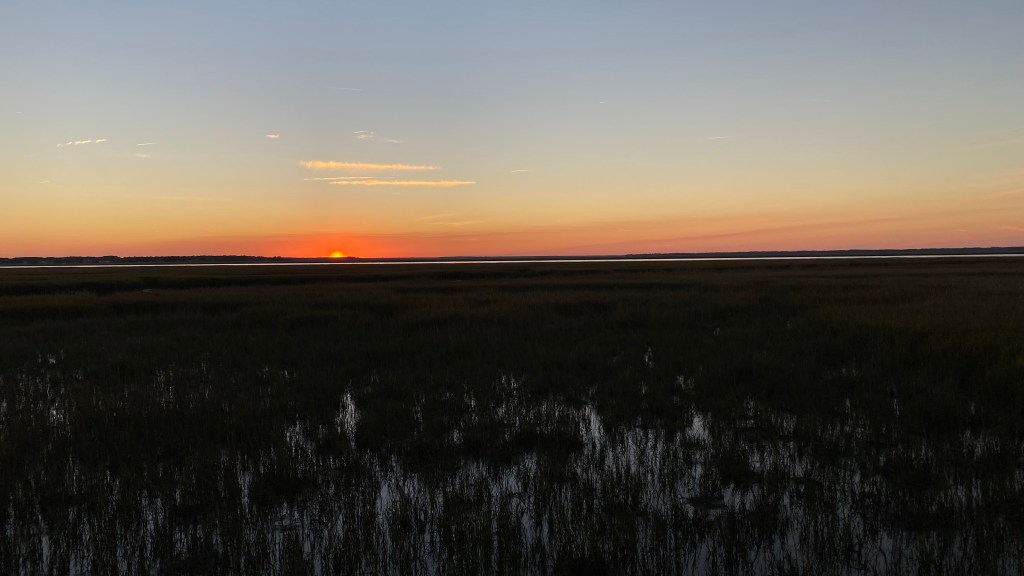
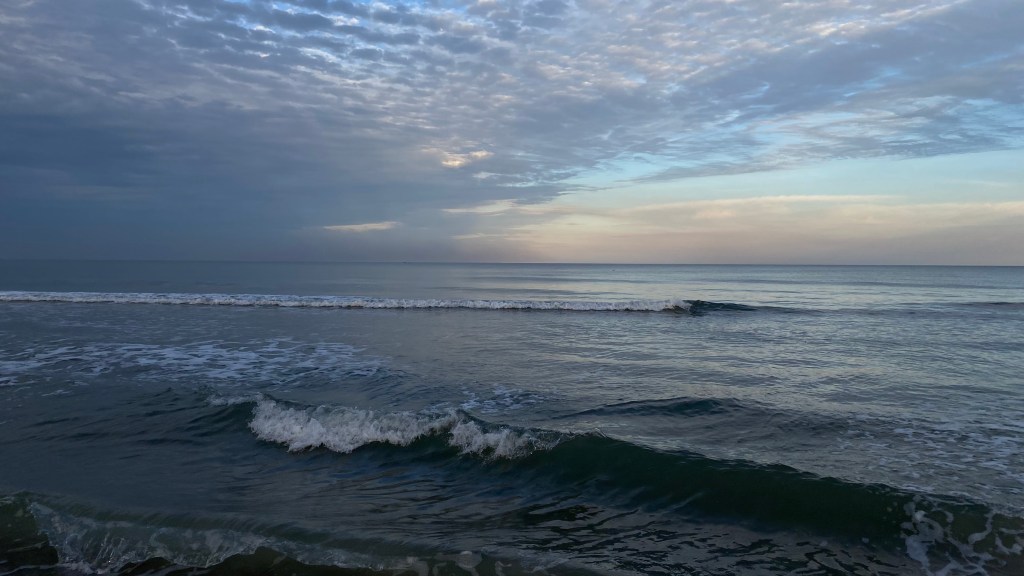
I was not able to drive to the Outer Banks over the weekend, but during the week I took more pictures from my hotel room. I was able to find time on Friday to walk the beach for an hour and then shop at the souvenir store for some gifts for the family.

Categories
Apple TV iPhone Photography Personal Work

Company Business Trip

I work in the IT department for a great company. I like working for them even on the rough days. Rough days can be brutal. However, this is not a post about the rough days. I was able to attend a Face to Face meeting at Omni Amelia Island Resort in sunny Florida. Fantastic! I get to leave the cold dreary winter in Wilmington, Delaware and fly to sunny and warm Jacksonville, Florida. I wore a light winter jacket for my trip and brought a sweatshirt, but I didn’t think I was going to wear that. Well I was wrong.

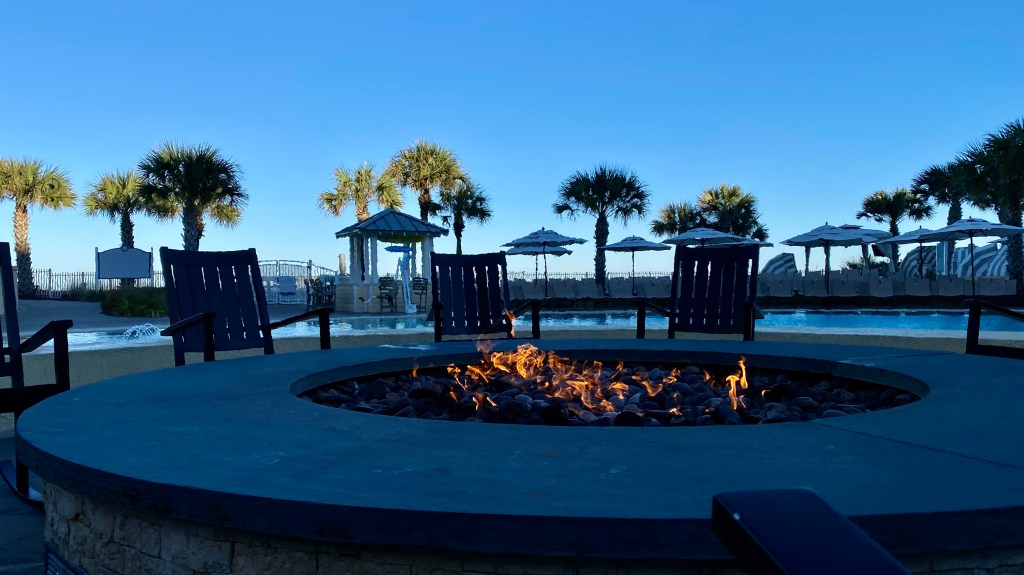
The night temperature dropped to the low 30’s and only one day did it reach 70 degrees for lunch. My margarita on Monday night did not melt while sitting outside near the beach. I had to move close to the fire pit. The constant wind shift kept me from staying too warm. On Tuesday I needed a light jacket for a walk during lunch around the grounds. I will admit, the weather was still better at Amelia Island than Wilmington.

Like many, I gained some weight for COVID and I’ve been trying to lose the weight. Any weight I lost was put back on during that week in Florida. The food and service was amazing. Lots of unique snacks prepared by a professional chef and staff. There are so many things to do at the resort. I want to go back with my family for a week of relaxation.

The flight down and back went off with almost no problems. I slept on the flight down and watched See on Apple TV Season 2, episode 1 coming back to Philadelphia. And landing in Philadelphia is where my problems started. Why do I have to wait almost an hour for my checked bag to be dropped off at baggage claim? I’ve never had this problem at any other airport. Are all my return flights in the middle of a shift change?

Categories
Music Personal Work

Music While Driving to Remote Office

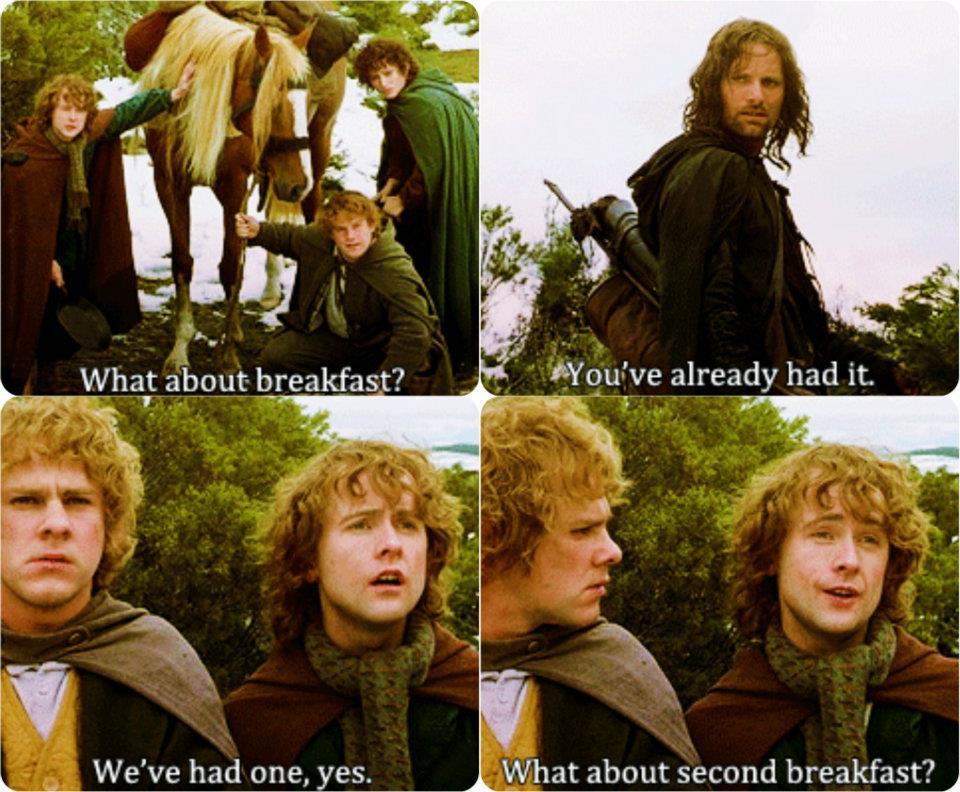
I had my iPod play all my music on shuffle on a 5 hour drive to the Virginia Beach office and several songs from the Lord of the Rings soundtrack played.  It felt like I was on a quest, carrying this new test notebook computer to test a new Active Directory (one Active Directory to rule them all).  All that was missing; my best friends, Breakfast, Second Breakfast, Elevenses, Luncheon, Afternoon Tea, Dinner, and Supper.

Second-Breakfast

Categories
Personal Work

Just a Coffee Nut

Bought a bag of my favorite M&M’s last night to help me through the long work day.  That is all.

coffee-nut-mms

Categories
Linux Stuff LinuxMint Personal Ubuntu VirtualBox Windows 7 Windows Stuff Windows Vista Windows XP Work

Moving On to a New Job

Today is my last day with my current employer and working for a fantastic client here in Delaware.  I made a lot of new friends in IT and on the production floor.  Some of them I will stay in contact with on Facebook or Google Chat, others I will see in the area.  But now it’s time for me to move on, to take care of my family’s needs.  Sadly the new job will not include Linux work, but there are high profile projects which are scheduled to begin shortly after my start date.

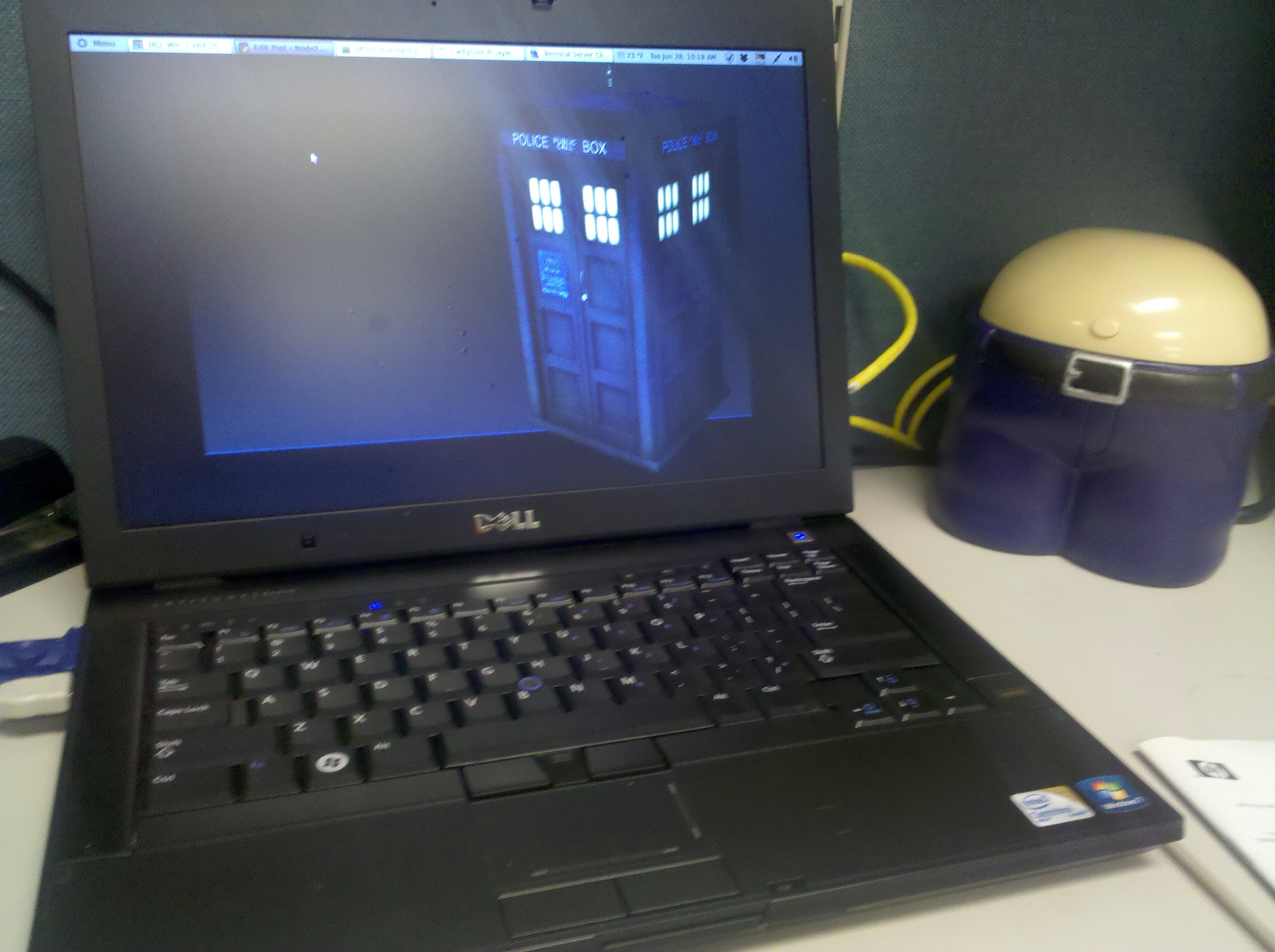
My notebook running Linux Mint 11 and my fart bank

During my two year stay, I really appreciate the client giving me a wide latitude to develop my Linux skills.  When I first arrived in 2009, my cube was filled with twelve PCs all running Windows XP or Vista.  Shortly afterwards I installed Ubuntu 9.04 to learn how to use Linux in a production environment.  Soon, I was running two Linux boxes; one as a personal file server with Samba and NFS, the other as a VM host for multiple Windows XP machines in multiple non-trusting domains.

By the time I left, I had four Linux PCs (one as a Linux Mint 11 notebook with a Windows 7 x64 VM, my original Ubuntu file server, a new Ubuntu 11.04 x64 file server with an external RAID 5 1.3TB disk box running Samba and NFS, plus a Linux Mint 11 PC running a Windows XP VM in the other domain for Active Directory support).  I’ve also deployed Ubuntu 11.04 to my manager’s Dell M4500 notebook, Linux Mint 11 to a colleagues’ notebook, and started training another colleague, on using Ubuntu 11.04 with NFS and Samba.

I also had the chance to deploy RHEL 6 workstation as a host with a disk box for off-site archive, and a introduction to ESX for creating new Windows Server VMs.

I wish all the best to previous employer, my manager, my colleagues (local and other sites through out  the U.S.), and to all the people I supported at the Delaware locations.  I will miss working with you, and hope to see you soon!

Categories
Geek Stuff LinuxMint Windows Stuff Work

Used Linux Mint Bootable USB to Fix Windows Server 2003

Logo Linux Mint
Image via Wikipedia

Today I was asked by one of our server administrators who was off site, if I knew how to reset the local administrator account on a Windows 2003 Server that was not communicating with the domain.  I said yes, “let me get my Linux Mint USB stick and I can reset the password.”

The server was an old HP ML370 with a RAID configuration and 4GB of RAM.  Once I was in Linux Mint 9, I mounted the local hard drive and navigated to the %systemroot%\System32\config folder.  I right click that folder and selected Open Terminal here.  Here is the reference document I use:

  1. Open Nautilus and mount Windows HDD.
  2. Right click Windows folder and select Open in Terminal.
  3. Type cd System32/config and press Enter.
  4. If account is Administrator enter sudo chntpw SAM.
  5. If any other account enter sudo chntpw -u <account> SAM.
  6. From menu select function.
  7. Write hive files.

After rebooting the server I was able to log in as the local administrator and complete the repairs.  Another justification for every IT Technician (server administrator or on-site workstation support) should have multiple tools to repair any computer on-site.

Categories
FaceBook Geek Stuff Home PC LinuxMint Sager Thunderbird Ubuntu Windows 7 Windows Vista Windows XP Work

Busy IT Month

Well it’s been a busy month for me at home and work.  I migrated my Sager NP8690 to Ubuntu 10.04 and created three virtual machines; Windows XP, Windows Vista, and Windows 7.  To my surprise Windows Vista SP2 is extremely stable as a VM.  I disabled UAC because I don’t like being asked “are you sure you want to do this” from my PC.  Both Windows 7 and Windows XP SP3 ran well also.  Over all I was pleased with the performance from each VM.  Of course that changed when I tried to run two VMs at the same time,  I was running out of RAM.  I think if I had 8GB installed, running two VMs would have worked fine.

However, I was never able to get get Blu-Ray running in any VMs or in Ubuntu.  This bummed me out since I wanted I watch Star Trek.  Maybe I’ll ask Santa to bring a Blu-Ray player for Christmas.  Then I was informed by my wife that she needed Windows in order to work from home.  Plus she was not too thrilled that I didn’t create a account in Ubuntu for her.  Oops!

So I backed up everything (again) and reinstalled the image I took before wiping out my hard drive.  Since I am dual booting between Windows 7 and Ubuntu 10.04, I deiced to leave Windows with a larger partition and keep all my videos there.  I can access then easily enough from Ubuntu without much hassle.  I still need to install a few application in Ubuntu (Thunderbird, Filezilla) but for the most part I am finished.

Instead of trying to use Gwibber a buddy of mine said I should look into TweetDeck.  TweetDeck requires Adobe Air to install and run.  Being Adobe has issues with x64, there were no .deb files for my OS.  I downloaded the .bin file and from a Terminal window I typed ./AdobeAIRInstaller.bin.  Now I can install TweetDeck and have access to my LinkedIn, Twitter, Facebook, and Google Buzz accounts.

At work, I was asked to test a kickstart install script for RHEL 5.3 (Red Hat Enterprise Linux) client install on a test PC.  I used a Dell Precision 370 which has a Intel P4 3.4 GHz  single core, 2GB of RAM, 80GB Sata drive, Nvidia Quadro FX 1400 card, and a DVD drive.  Installation took about 30 minutes.  I test several applications, accessing network shares, and printing to several network printers.  I still prefer Ubuntu or Linux Mint over RHEL, but it was fun to be part of a Linux project.

I also help with installing a new Dell server this week.  The job required us to install a keyboard/mouse tray, move an existing server and tape library up, install a new IP console KVM, and install the new ESX server.  Due to space limitations, we placed a LCD monitor on the side of the rack.  Because I hurt my back several day earlier I was asked not to lift anything.  So for me it was more of a learning experience.  Hopefully I will be asked to assist with other data room projects.

Right now I’m downloading openSuse 11.3 x64 on DVD.  Maybe this weekend I’ll try it out on a VM to see some of the new improvements I’ve read about.

Categories
Ubuntu Windows Vista Work

Bootable Ubuntu 10.04 USB Stick

Over the last two weeks, the client I work for had multiple power outages. The one outage broken several LCD monitors and a few PCs.  One of the PCs had Windows Vista installed.  The problem was a corrupt OS and would not boot into Vista.  Booting from Last Known Good Configuration or Safe Mode would not allow me to fix the problem.  I explained to my customer that  would repair Vista using the enterprise DVD.  Although he liked that option, he was concerned about losing his data.

No problem.  I brought up my bootable USB Ubuntu 10.04 flash drive I made a little while ago.  While it was booting my customer explained that his PC has 2 hard drives.  The primary drive contained Vista on a 40GB partition, the rest was his “D:\” drive.  The second hard drive was used to additional data storage.  My Ubuntu flash drive found all the hardware on his HP XW4600 Workstation and using GParted I verified his hard drive configuration statement.

On the second hard drive I created 2 folders,  zzz-d_drive and zzz-c_drive.  All data files my customer was concerned about were copied to the perspective folders.  After a shutdown, I disconnected the second hard drive to ensure all data files are safe.  Unfortunately the repair for Vista failed as did restoring from the last 2 restore points.  My only option was to reinstall the OS.  After installation I copied all the data files back to the “C:\” drive, the “D:\” was intact since I didn’t format that partition. 

If you don’t have a bootable Ubuntu flash drive you should take the time to create one.  For me it is a valuable tool which enables me to meet my SLAs.

Kristen's Healthy Living Blog

Exploring ways to live a healthier life

Brave & Reckless

Reclaiming my inner badass at 50

Discover WordPress

A daily selection of the best content published on WordPress, collected for you by humans who love to read.

Drone Builders Blog

Informational Blog for Drone & Quadcopter Builders and Hobby enthusiast.