Categories
Work

Company Business Trip in 2023

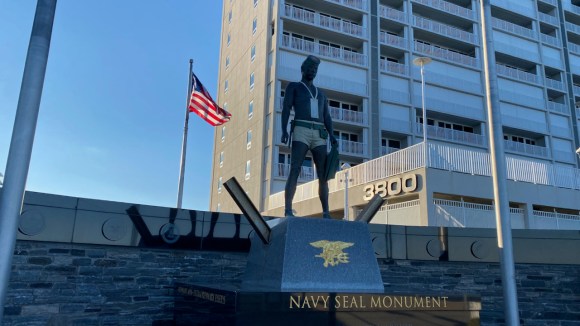
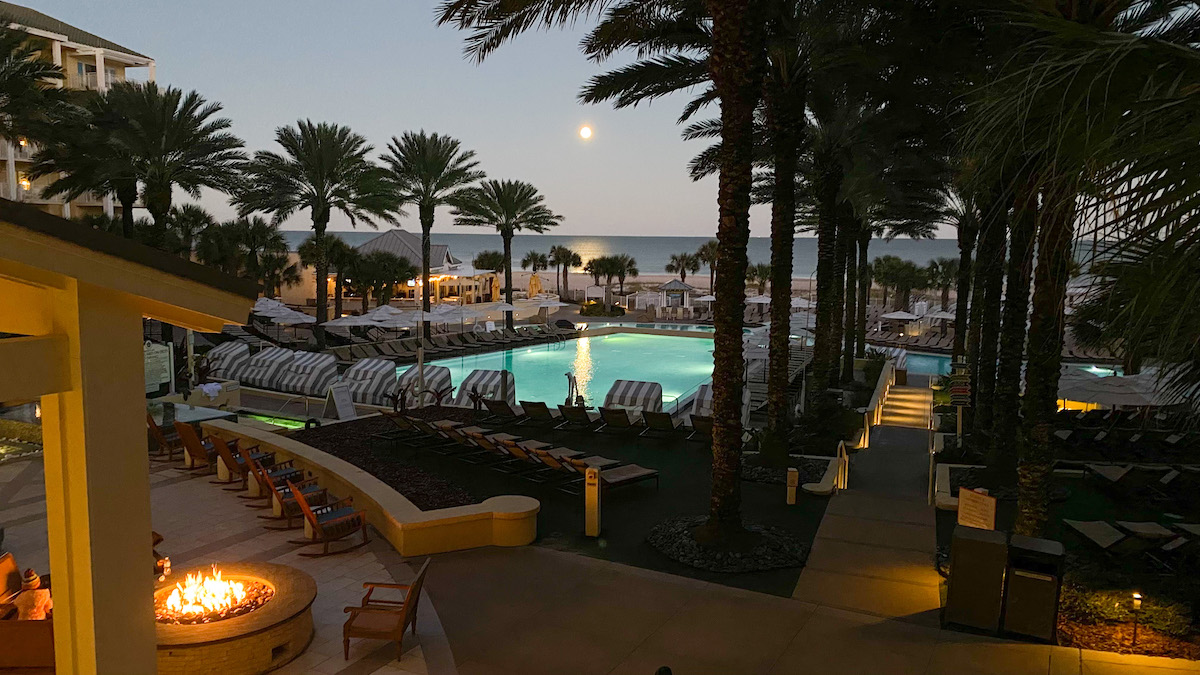
I am on another business trip! This week I am in Virginia Beach, Virginia. Since it is off season (January), the rates are very reasonable. I have book a room with an ocean view.

I am meeting most of my colleagues from the IT department this week. Tonight I get to meet the CEO and then we are off to dinner.

The drive was only 5 hours from Wilmington, Delaware. Most of the drive was cloudy and didn’t rain until I was in Virginia. Depending on how the week goes and if I check out early enough on Saturday, I might drive to the Outer Banks (OBX) and then head home on Sunday.

Update

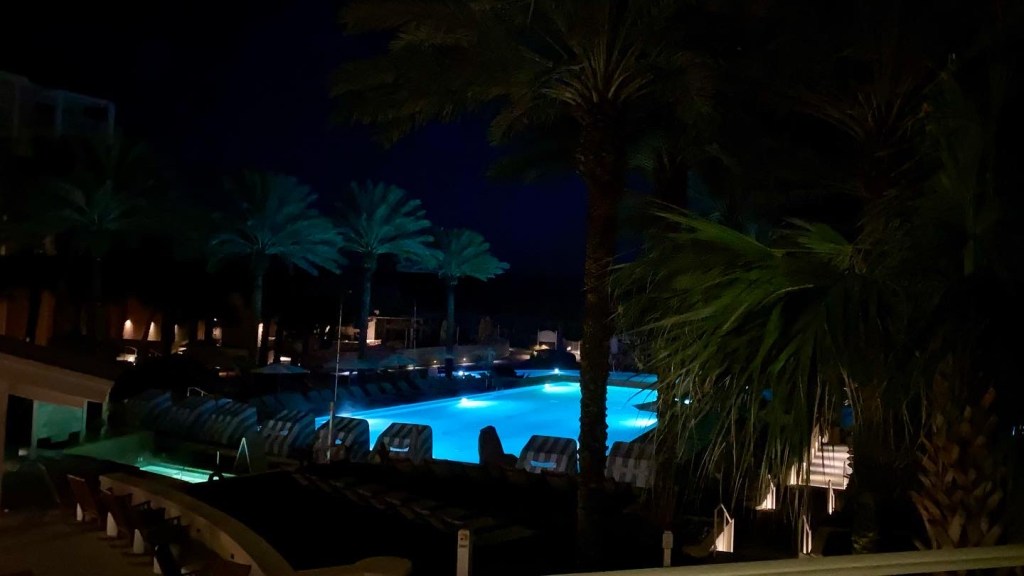
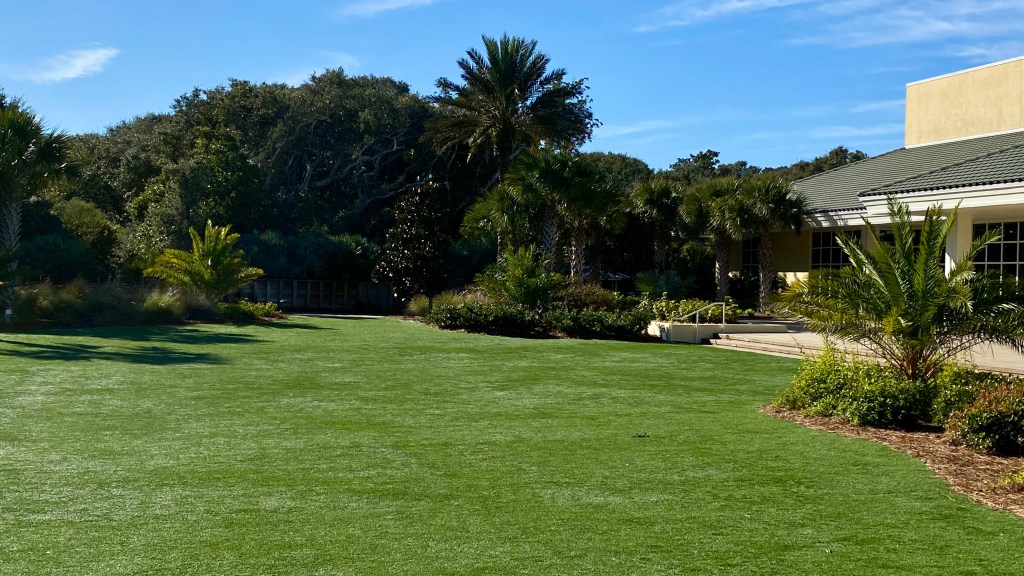
I was not able to drive to the Outer Banks over the weekend, but during the week I took more pictures from my hotel room. I was able to find time on Friday to walk the beach for an hour and then shop at the souvenir store for some gifts for the family.

Categories
Apple TV iPhone Photography Personal Work

Company Business Trip

I work in the IT department for a great company. I like working for them even on the rough days. Rough days can be brutal. However, this is not a post about the rough days. I was able to attend a Face to Face meeting at Omni Amelia Island Resort in sunny Florida. Fantastic! I get to leave the cold dreary winter in Wilmington, Delaware and fly to sunny and warm Jacksonville, Florida. I wore a light winter jacket for my trip and brought a sweatshirt, but I didn’t think I was going to wear that. Well I was wrong.

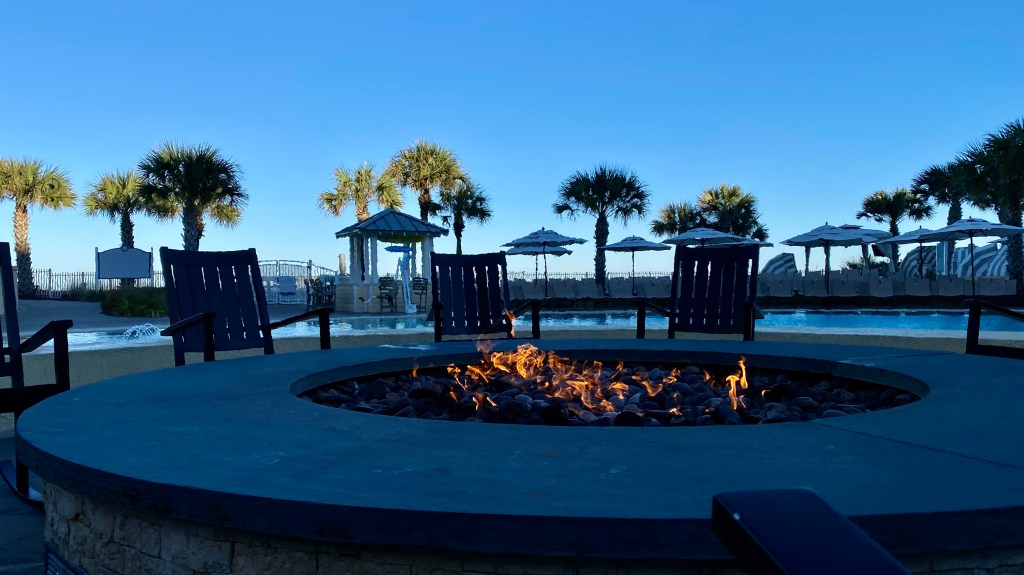
The night temperature dropped to the low 30’s and only one day did it reach 70 degrees for lunch. My margarita on Monday night did not melt while sitting outside near the beach. I had to move close to the fire pit. The constant wind shift kept me from staying too warm. On Tuesday I needed a light jacket for a walk during lunch around the grounds. I will admit, the weather was still better at Amelia Island than Wilmington.

Like many, I gained some weight for COVID and I’ve been trying to lose the weight. Any weight I lost was put back on during that week in Florida. The food and service was amazing. Lots of unique snacks prepared by a professional chef and staff. There are so many things to do at the resort. I want to go back with my family for a week of relaxation.

The flight down and back went off with almost no problems. I slept on the flight down and watched See on Apple TV Season 2, episode 1 coming back to Philadelphia. And landing in Philadelphia is where my problems started. Why do I have to wait almost an hour for my checked bag to be dropped off at baggage claim? I’ve never had this problem at any other airport. Are all my return flights in the middle of a shift change?

Categories
Geek Stuff iPad Work

Apple Magic Trackpad 2

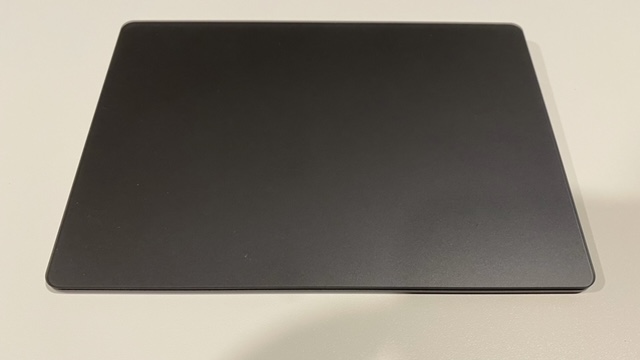
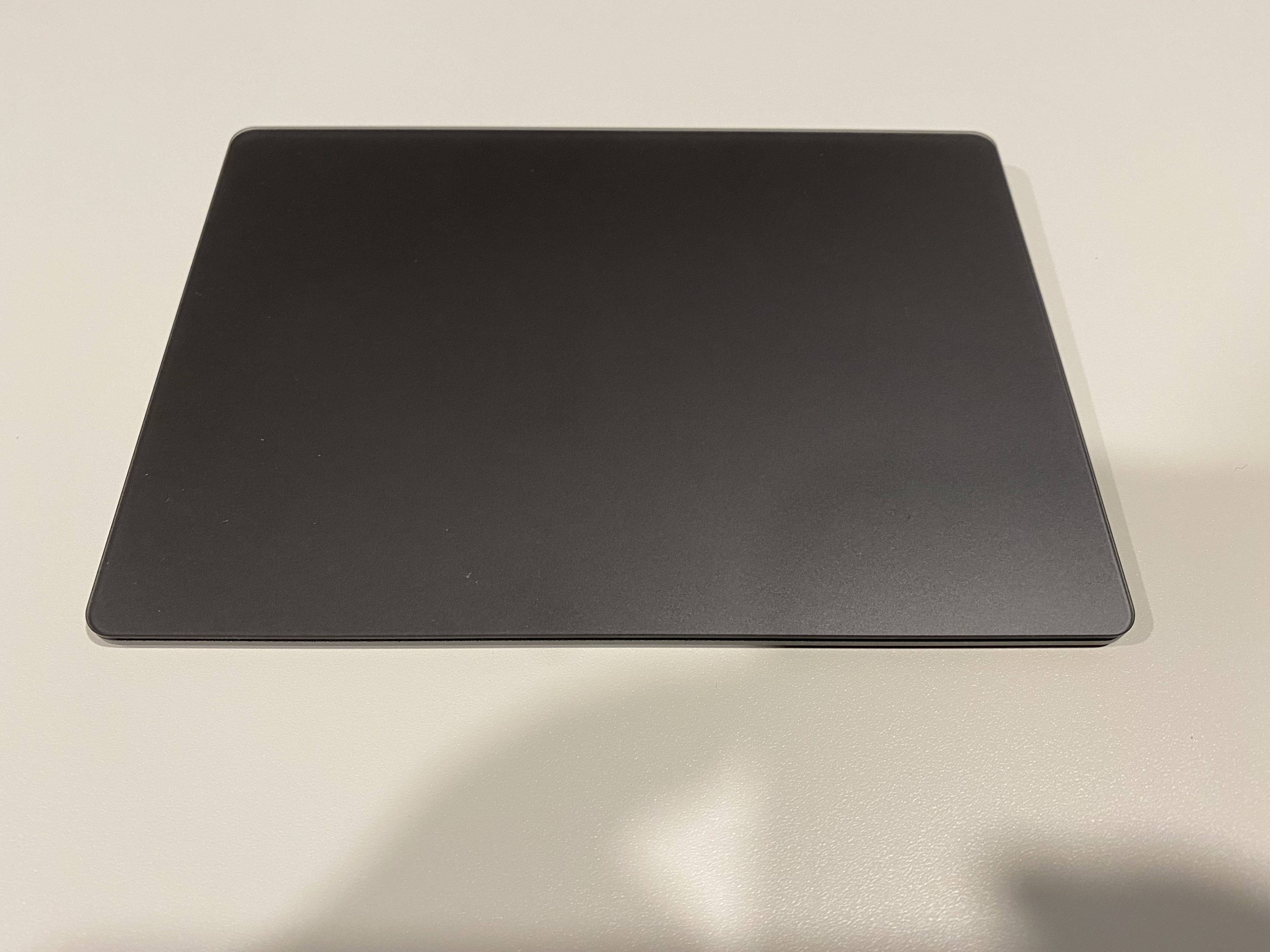
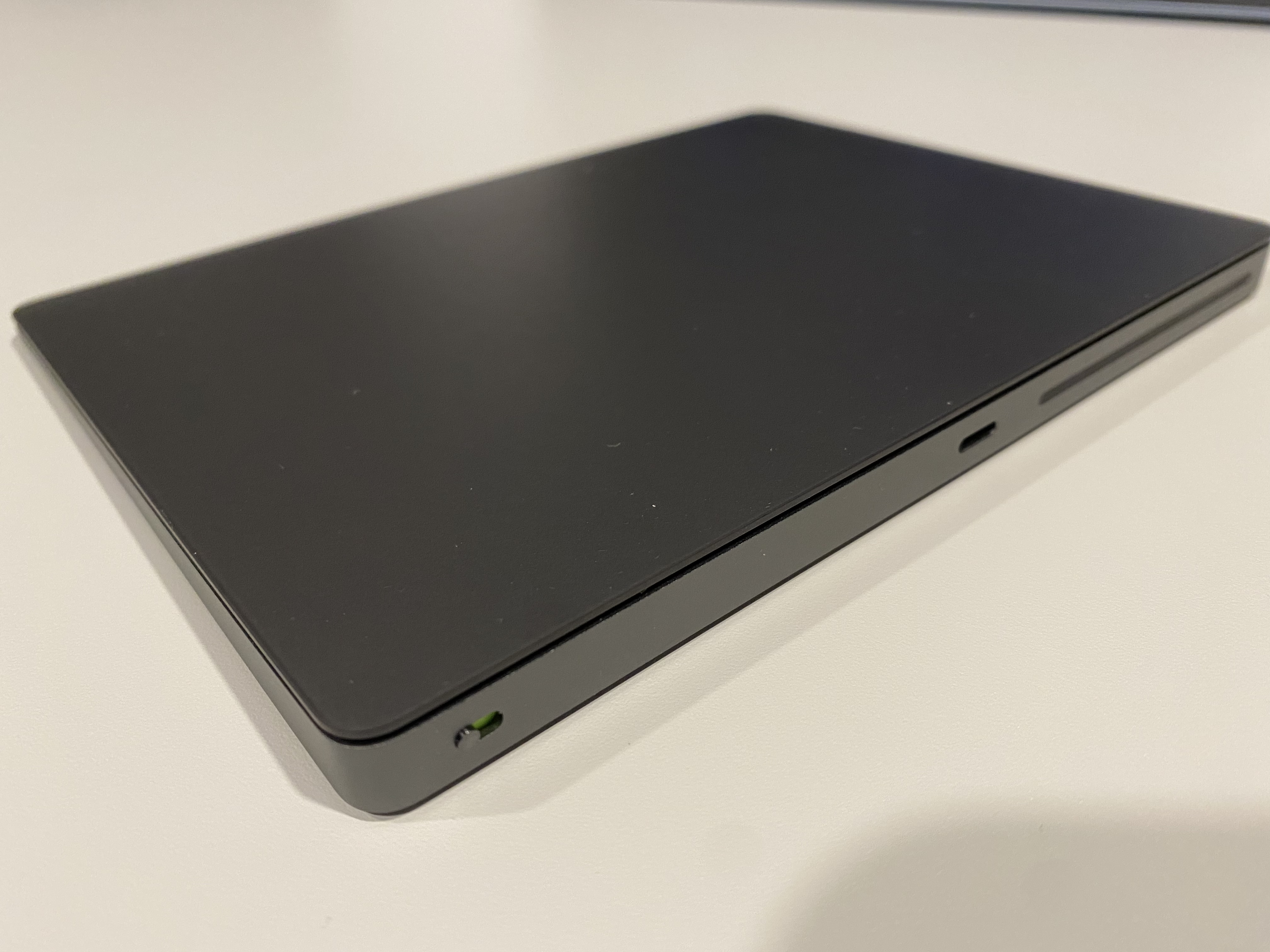
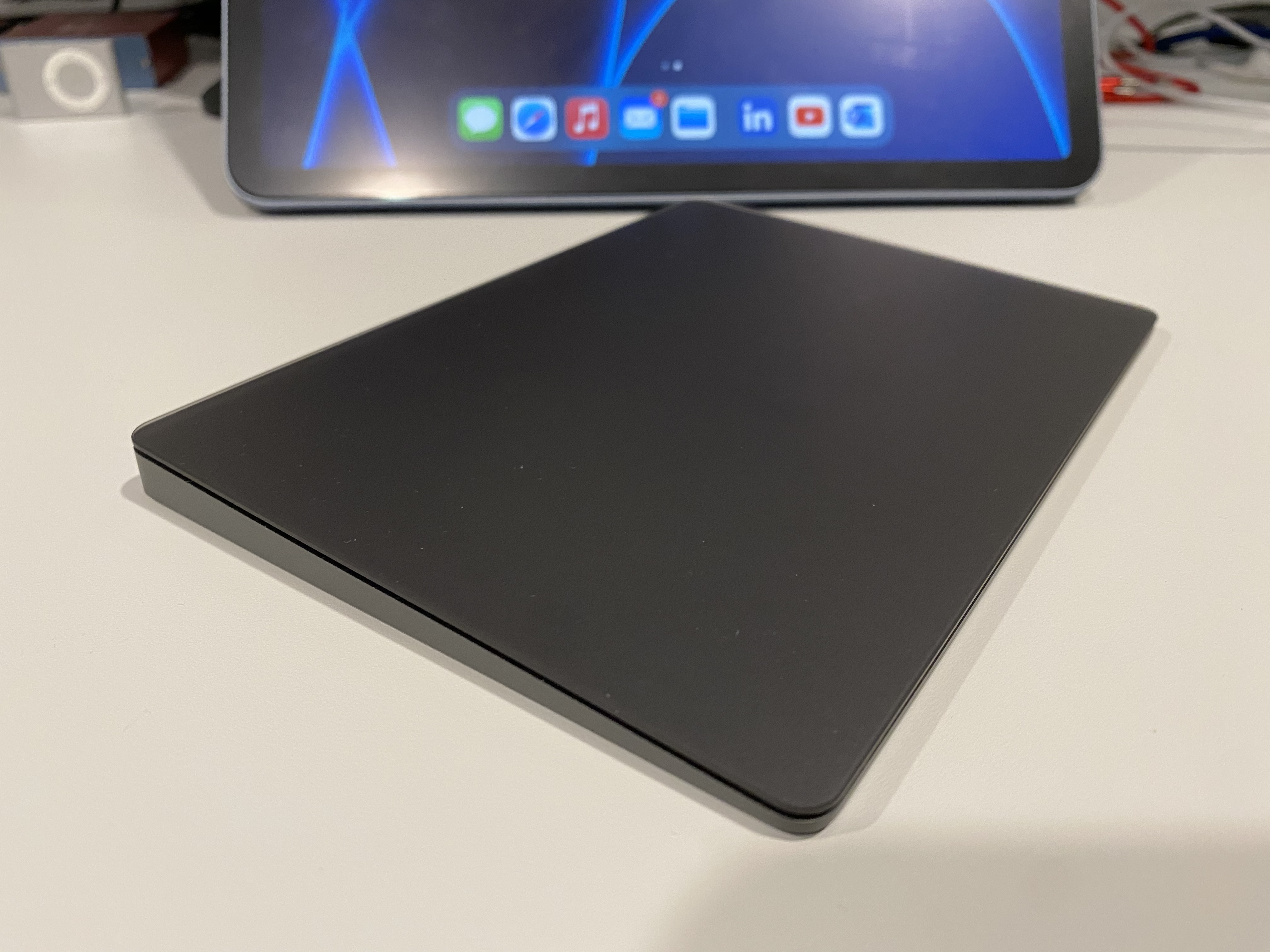
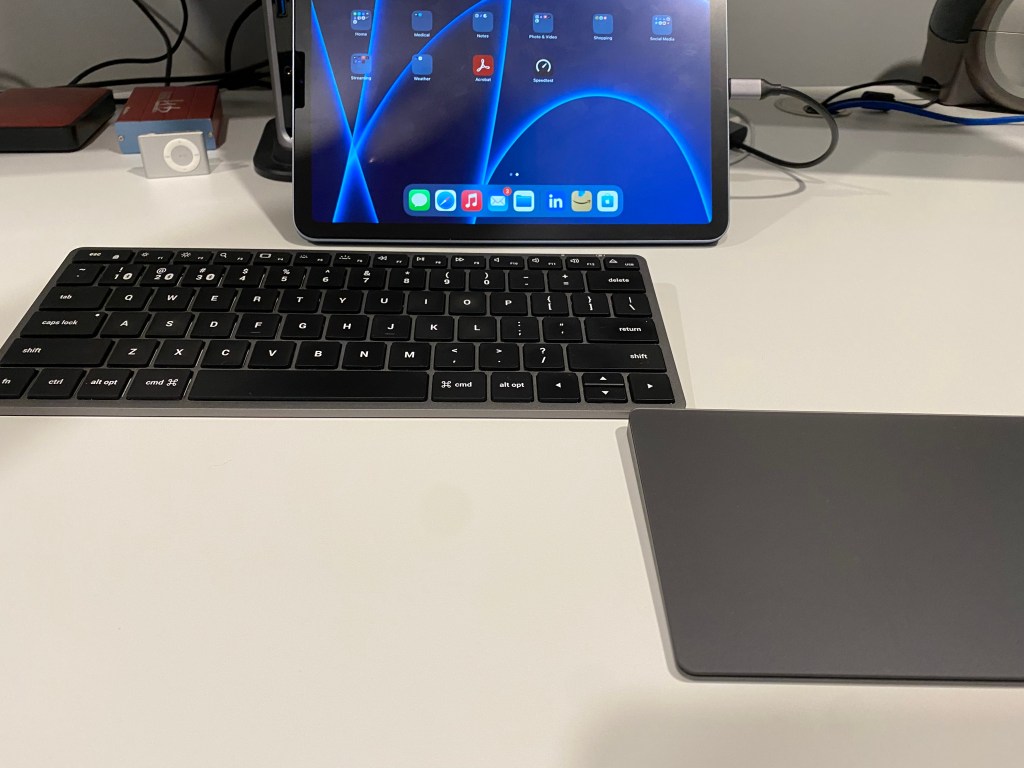
Yesterday I picked up on Amazon the Apple Magic Trackpad 2  in Space Gray (it was on sale). I’m sure I still paid too much for it. The Magic Trackpad 2 works great with my iPad Air 4. I shutdown my MacBook Pro at the end of my work day and used the iPad Air 4 with the new trackpad for several meetings and other things.

The Satechi Slim X1 keyboard and the Apple Magic Trackpad 2 work great together. It fun learning how to use the iPad as a computer replacement. A few months ago I worked my day job as an IT support using the iPad. I was able to complete most things without too much aggravation. A few things would be better, and maybe I just need to install Microsoft Company Portal and use Office365 apps to get a better experience. Still, if you had to, you can use the iPad as a replacement computer if needed. If only you could have dual screens.

Maybe next week I will work a full day or two from the iPad.

Categories
Music Personal Work

Music While Driving to Remote Office

I had my iPod play all my music on shuffle on a 5 hour drive to the Virginia Beach office and several songs from the Lord of the Rings soundtrack played.  It felt like I was on a quest, carrying this new test notebook computer to test a new Active Directory (one Active Directory to rule them all).  All that was missing; my best friends, Breakfast, Second Breakfast, Elevenses, Luncheon, Afternoon Tea, Dinner, and Supper.

Second-Breakfast

Categories
Personal Work

Just a Coffee Nut

Bought a bag of my favorite M&M’s last night to help me through the long work day.  That is all.

coffee-nut-mms

Categories
Linux Stuff LinuxMint Personal Ubuntu VirtualBox Windows 7 Windows Stuff Windows Vista Windows XP Work

Moving On to a New Job

Today is my last day with my current employer and working for a fantastic client here in Delaware.  I made a lot of new friends in IT and on the production floor.  Some of them I will stay in contact with on Facebook or Google Chat, others I will see in the area.  But now it’s time for me to move on, to take care of my family’s needs.  Sadly the new job will not include Linux work, but there are high profile projects which are scheduled to begin shortly after my start date.

My notebook running Linux Mint 11 and my fart bank

During my two year stay, I really appreciate the client giving me a wide latitude to develop my Linux skills.  When I first arrived in 2009, my cube was filled with twelve PCs all running Windows XP or Vista.  Shortly afterwards I installed Ubuntu 9.04 to learn how to use Linux in a production environment.  Soon, I was running two Linux boxes; one as a personal file server with Samba and NFS, the other as a VM host for multiple Windows XP machines in multiple non-trusting domains.

By the time I left, I had four Linux PCs (one as a Linux Mint 11 notebook with a Windows 7 x64 VM, my original Ubuntu file server, a new Ubuntu 11.04 x64 file server with an external RAID 5 1.3TB disk box running Samba and NFS, plus a Linux Mint 11 PC running a Windows XP VM in the other domain for Active Directory support).  I’ve also deployed Ubuntu 11.04 to my manager’s Dell M4500 notebook, Linux Mint 11 to a colleagues’ notebook, and started training another colleague, on using Ubuntu 11.04 with NFS and Samba.

I also had the chance to deploy RHEL 6 workstation as a host with a disk box for off-site archive, and a introduction to ESX for creating new Windows Server VMs.

I wish all the best to previous employer, my manager, my colleagues (local and other sites through out  the U.S.), and to all the people I supported at the Delaware locations.  I will miss working with you, and hope to see you soon!

Categories
dell Firefox Geek Stuff Google Chrome Internet Browsers Linux Stuff Skype Software Ubuntu Virtual Machine VMware Player Windows 7 Windows XP Work

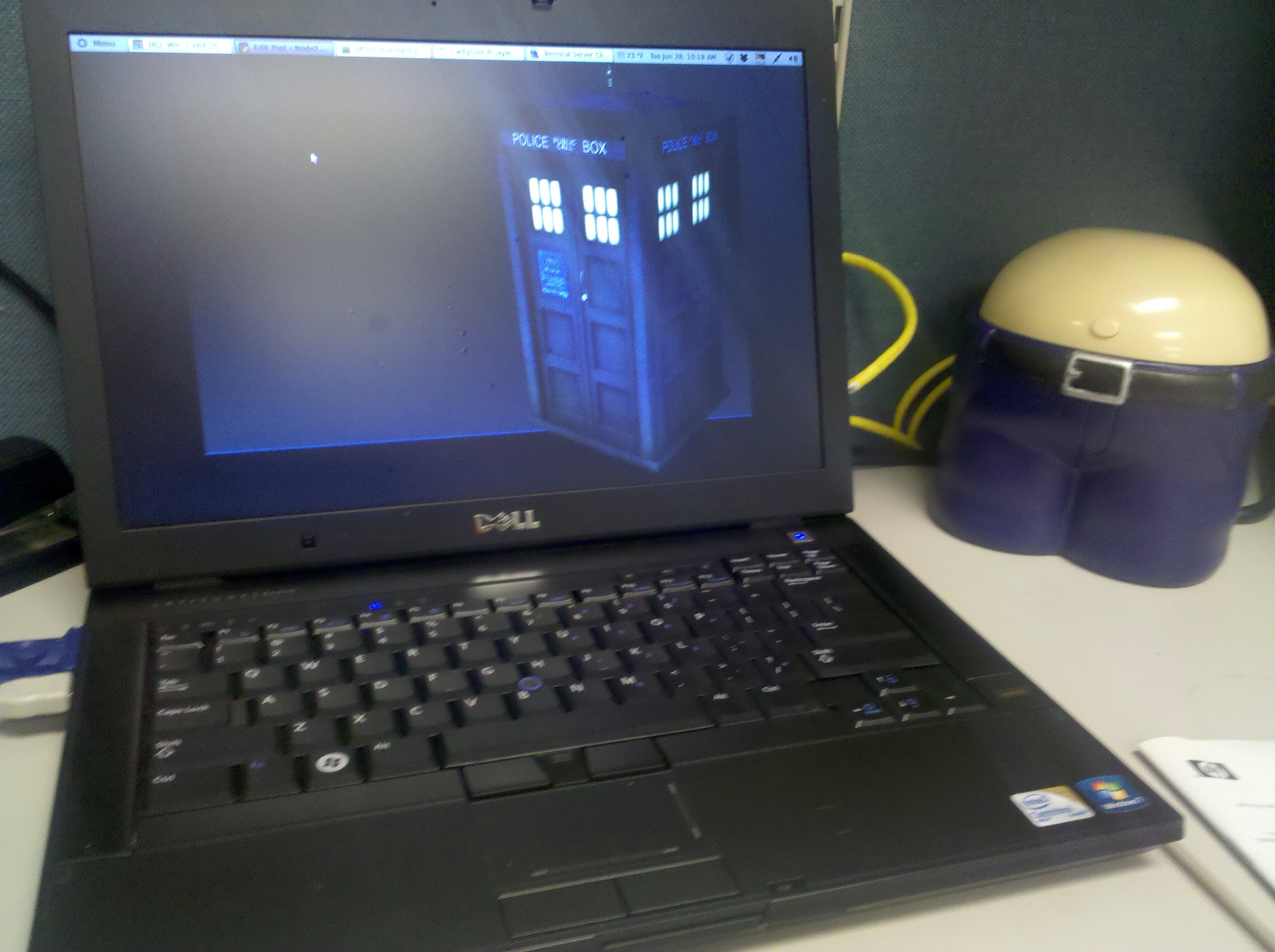
Ubuntu 10.10 on Work Notebook

Last year when a new IT Service company took over the contract from another IT Service company I was working for, they issued a new Dell Latitude E6400 notebook to each of us.  This PC is not the beefiest notebook from Dell, but this is not a review of the PC.   The notebook specs are:

  • Intel Core 2 Duo P8700 @ 2.53GHz
  • 2GB RAM (upgraded to 4GB by employer)
  • Intel Video
  • CDR / DVD ROM
  • 14″ Screen
  • SD Card Reader
  • Intel network

The PC came with Windows 7 x32, Symantec EndPoint 11, MS Office 2007, and a few other applications.  Being a good IT technician, I used Symantec Ghost to create a backup image the day it was delivered.  At first I left the PC as is and installed a bunch of software to support the client.  After a year of hard use, computer was having problems booting or just being stable.  In no way is this a bash of Windows 7.  I like Windows 7 but the system needed a rebuild and it was time to try something that’s been on my mind.

After sending an e-mail to my manager asking for access to the ftp server to download MS Office 2007 and Symantec EndPoint 11, I wiped out the HDD and installed Ubuntu 10.10 x64.  With a 64 bit OS, I can use the full 4GB of RAM.  Just like before, installation took about 20 minutes, and everything worked without having to install additional drivers.  Since the client I’m working for has started to roll out Windows 7 x64, I wanted the same for my VM.  Running Windows 7 x32 would be all that I need for the VM, but as I found out over the last 5 months, some applications that work in the 32bit environment will not work in a 64bit environment.  Sometimes you need the native 64bit software to install or work correctly.

So I chose VMware Player to run Windows 7 x64.  The VM is configured for 2.5 GB of RAM, 2 processors, with the NIC configured at bridged for DNS registration.  After activating Windows 7 x64, the system was ready for MS Office 2007 and Symantec EndPoint 11.  While waiting for may manager, I installed Banshee, Filezilla, Terminal Server Client, Google Chrome, Adobe Air, Tweetdeck, Adobe Acrobat Reader, Gimp, Skype, VLC, Ubuntu Tweak, Shutter, modified my Pictures Screensaver, plus a bunch of minor configurations I use for Ubuntu.  After several days of using Outlook Web Access (OWA), I finally received my email with the server information and software keys.

So now I am supporting my client with Ubuntu 10.10 x64 at work.  I can honestly say Ubuntu is ready for the IT professional in a real world environment.  I have three different Microsoft Windows vms for supporting two non-trusting domains, covering x32 and x64 operating systems.  Due to the limited resources on my notebook, I can only run one VM at a time, but that’s OK.  There is a second Linux computer constantly running a Windows XP x32 OS which I use to manage one of the domains.

The nice thing about my setup is the dual monitors.  The default screen is the notebook display, the second screen I use for my VMs or if I need to focus on a particular task.  I usually run Banshee and Empathy IM on the small LCD, Tweetdeck minimized, and Google Chrome for all my personal stuff.  Terminal Server Client is used to connect to the three Windows 2003 or 2008 severs I support orto VNC into a Windows XP workstation.  Plus the other techs at work were impressed with what I accomplished.

So give Ubuntu or any Linux distro a shot at work for a month.  If you plan it a little, you can have your system running Linux with a VM or two to meet your clients needs.


Categories
Geek Stuff LinuxMint Windows Stuff Work

Used Linux Mint Bootable USB to Fix Windows Server 2003

Logo Linux Mint
Image via Wikipedia

Today I was asked by one of our server administrators who was off site, if I knew how to reset the local administrator account on a Windows 2003 Server that was not communicating with the domain.  I said yes, “let me get my Linux Mint USB stick and I can reset the password.”

The server was an old HP ML370 with a RAID configuration and 4GB of RAM.  Once I was in Linux Mint 9, I mounted the local hard drive and navigated to the %systemroot%\System32\config folder.  I right click that folder and selected Open Terminal here.  Here is the reference document I use:

  1. Open Nautilus and mount Windows HDD.
  2. Right click Windows folder and select Open in Terminal.
  3. Type cd System32/config and press Enter.
  4. If account is Administrator enter sudo chntpw SAM.
  5. If any other account enter sudo chntpw -u <account> SAM.
  6. From menu select function.
  7. Write hive files.

After rebooting the server I was able to log in as the local administrator and complete the repairs.  Another justification for every IT Technician (server administrator or on-site workstation support) should have multiple tools to repair any computer on-site.

Kristen's Healthy Living Blog

Exploring ways to live a healthier life

Brave & Reckless

Reclaiming my inner badass at 50

Discover WordPress

A daily selection of the best content published on WordPress, collected for you by humans who love to read.

Drone Builders Blog

Informational Blog for Drone & Quadcopter Builders and Hobby enthusiast.