I’m a Mac user and I prefer MacOS over Windows. I still have my Sager NP8690 with Windows 7 Ultimate 64 which I use once every four months. I run a Windows 10 VM on my MacBook using Parallels for work about twice a month. I also use my Lenovo work computer from time to time for remote support at work. I am curious about trying Windows 11 and comparing it to Windows 7 and 10.
Not that I plan on covering from MacOS. I like to try out different operating systems to see what’s new. Each OS has their strong points. I prefer MacOS over Windows.
Today at work I had a Windows 7 PC that was defaulted to English United Kingdom instead of English United States. I was able to log onto the PC as the customer and go into Control Panel to access Region Language. I selected English (United States) under each tab for Formats, Location, Keyboards and Languages. I rebooted the PC and noticed the keyboard was still English (United Kingdom). So a quick Google search and I found the following web link.
What I missed was selecting the Administrative tab, click the Copy settings button, and placing the two checks in the boxes. Click OK to save and then reboot. you should have the correct region and language settings for your PC.
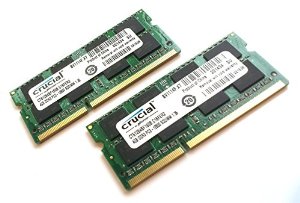
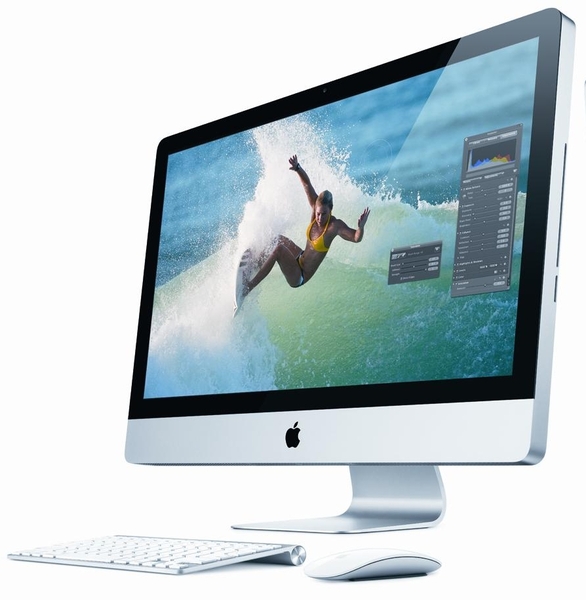
I’ve been using the iMac constantly since I bought it. It has replaced my Sager Core i7 as my primary computer. About a week ago I upgraded the RAM to 12GB so I could play Team Fortress 2 and Diablo 3. Oh and the memory upgrade also helped with running the Windows 7 Enterprise virtual machine I need for work.
So let’s talk about the memory upgrade process. According to Apple, the most RAM my 2011 Core i5 iMac can upgrade to was 8GB. I really had a hard time believing this. I can see 32GB being a maximum. So I started looking into going beyond the 8GB limit. Normally I purchase memory from 4allmemory.com, but several colleagues mention looking at Crucial.com. The Crucial website had an option to scan my computer for the exact match. So I downloaded the zip file and extracted CrucialMacScanner.app. The information will open in your default web browser.
I can upgrade the AM to a maximum of 32GB. WOOT!! I scaled the WOOT back after checking the price for a 16GB kit. So I went with a 8GB kit to bring the total system RAM to 12GB. The price seemed fair, and Crucial is a trusted company. I received the memory within a few days and installation occurred shortly after dinner.
The five character classes of Diablo III. L-R Wizard, witch doctor, demon hunter, barbarian and monk (Photo credit: Wikipedia)
The link Crucial provided for video directions were for a Dell GX desktop computer. FAIL!! The correct directions are located on Apple’s Support web site. However, the web site also states the maximum RAM is 16GB. FAIL!! Besides that, the directions were perfect.
OK, now I have plenty of RAM, time to purchase Diablo 3. I am a big fan of the Diablo series. My friends and I have played for 14 hours strait (before children) at LAN parties. I still have my original characters. I have to admit about not being too thrilled about logging into Battle.net just to play, but I like the idea now and here’s why. Diablo 3 is installed on both iMac and my Sager notebook. I can play the on either computer, and have access to my characters. So if the kids are using the iMac, I can pickup where I left off with my notebook. WOOT!!
Some users have complained about the performance of Diablo 3 on the iMac. I have not seen any issues with the game. I tweaked the video settings up a little, but I didn’t go crazy with enabling every single shadow, rain drop or whatever. I average about 80 FPS (Frames Per Second). I doubt I would see a performace hit with multiplayer.
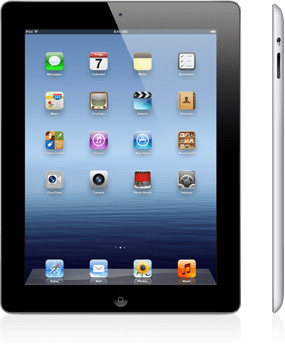
After 2 years of shopping around for tablets, I finally purchased an iPad 3 aka The New iPad.
I was going to mention what took me so long to purchase the iPad, but it is a boring story about saving money, looking at tablets at least once a month, reading blogs about with everyone’s opinion, and just waiting for the tablet that had all the right features. For a few months, I thought the Asus Transformer 201 was the right device. Nvidia quad core processor, Ice-cream sandwich for the OS, and the optional keyboard to “transform” into a netbook.
New iPad (Photo credit: sidduz)
But when I compared the iPad 3 to the Transformer 201, I felt the iPad was a better tablet. Yes, the iPad was more expensive, but over the last year I was becoming more use to the IOS interface, providing support for iPhones and iPads at work, and I really like my iPod. I have also noticed when I need to check my personal email away from home, or look at the calendar, I usually went to the iPod over my Android phone. Plus my Android phone needs to be replaced. Too many lock ups with apps, and I have to reboot it once a day.
I love my new iPad! I have used it every day for the last week for work and home. I take it to work and use Evernote to take notes of computers that I’m working on, use AIM app to keep in touch with colleagues and friends, listen to music, and attend web meetings with AT&T Connect. Plus several customers at work have made suggestions on apps and other accessories. I purchased a case at Amazon.com called the Bear Motion, in black. The case props up the iPad at a good angle for typing (writing this post on the iPad now), and for video calls using FaceTime.
I don’t have any major issues or complaints about the iPad. I do want to find a good office suite for the iPad, and it would be nice if Microsoft would realse a version of Office for the iPad. I know Pages, Numbers, and Keynote are available. I had several colleagues recommend Documents To Go as an option. However, after all these years of trying different office suites, nothing compares to Microsoft Office. It is a standard, and I’m familiar with the programs.
I would recommend the iPad to anyone, but i also tell people to look at all the options. They might like an Android or Windows tablet over the iPad. Maybe picking up the iPad 2 would be a better option for someone instead.
Now, let’s see if I can figure out how to upload a few screenshots I made last week using the WordPress app.
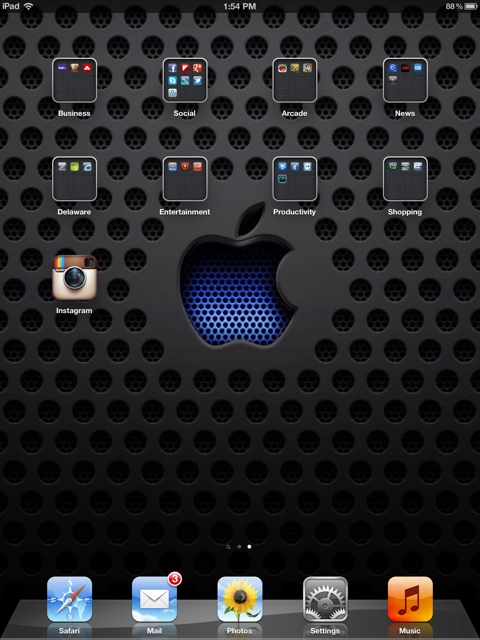
Lock screen for my iPad. Feels like a Star Trek Univerise
Over the past year I’ve been thinking about getting a new PC for the family. The current Dell Dimension 8200 (almost 10 years old) was having a hard time running Windows XP and all the patches and security to keep it mostly virus and malware free. I installed Ubuntu 11.10 server on that Dell PC and turned it into a media server and backup storage device.
So what to get for the family? I could go with another Windows 7 PC and have the option to have more virus and malware installed every time the kids go to one of their kid friendly sites. My wife might need Windows 7 for remote access to work, plus it’s a familiar interface for everyone.
I could go with Linux OS such as Ubuntu 11.10, Linux Mint 12 (when it is available), or some other disto. But the problem with Linux for the family, a whole bunch of kid websites just don’t work with Linux. For example, Cartoon Network has some pretty cool games, but most of the games will not work in Linux. Those games require different engines such as Unity (not to be confused with Unity for Ubuntu). Also, many games that I like to play are not available in a Linux environment. I tried running Windows XP in a VM, but the performance is terrible and the games require high-end video cards which you never see in a VM.
My buddy at work suggested getting an iMac. The first thing that went in my mind, “How am I going to afford that?” Turns out the entry level iMac is within my budget. So I stopped at the local Apple Store and took a look. Usually I’m in there for a few minutes with the kids to kill time while my wife is shopping. Now I had time to shop. As usual I was assaulted but several employees right away. But I needed time to look over what they had and get some ideas before I would talk with someone.
Steve, the sales person, saw I was ready to have my questions answered. After a few minutes of talking about my concerns and what I wanted to accomplish, Steve unlocked the iMac and let me install some of the games from Cartoon Network. Out of all my years in IT, from selling to support, I’ve never heard someone say let’s unlock the computer and install the web apps you mentioned. So I played some of the Cartoon Network games. I was hooked. Just need to upgrade the memory from 4GB to 8GB. The Apple memory is expensive. Looks like I’ll be checking on-line for a better price.
Now, what am I going to do about some of the Windows only applications I need? I will keep my notebook PC as a dual boot between Windows 7 and Linux (not sure about keeping Ubuntu). Maybe I’ll install VMWare Fusion, VirtualBox, Parallels or Bootcamp for my Windows needs. I doubt I’ll ever break away completely from Windows. Too many applications I need for Windows for my job.
So this Christmas Santa will deliver a new computer for the family. It will meet the needs of my family, address my concerns, and also give me a little education in the Mac world.
New Job creative sign with clouds as the background
Today is my last day with my current employer and working for a fantastic client here in Delaware. I made a lot of new friends in IT and on the production floor. Some of them I will stay in contact with on Facebook or Google Chat, others I will see in the area. But now it’s time for me to move on, to take care of my family’s needs. Sadly the new job will not include Linux work, but there are high profile projects which are scheduled to begin shortly after my start date.
My notebook running Linux Mint 11 and my fart bank
During my two year stay, I really appreciate the client giving me a wide latitude to develop my Linux skills. When I first arrived in 2009, my cube was filled with twelve PCs all running Windows XP or Vista. Shortly afterwards I installed Ubuntu 9.04 to learn how to use Linux in a production environment. Soon, I was running two Linux boxes; one as a personal file server with Samba and NFS, the other as a VM host for multiple Windows XP machines in multiple non-trusting domains.
By the time I left, I had four Linux PCs (one as a Linux Mint 11 notebook with a Windows 7 x64 VM, my original Ubuntu file server, a new Ubuntu 11.04 x64 file server with an external RAID 5 1.3TB disk box running Samba and NFS, plus a Linux Mint 11 PC running a Windows XP VM in the other domain for Active Directory support). I’ve also deployed Ubuntu 11.04 to my manager’s Dell M4500 notebook, Linux Mint 11 to a colleagues’ notebook, and started training another colleague, on using Ubuntu 11.04 with NFS and Samba.
I also had the chance to deploy RHEL 6 workstation as a host with a disk box for off-site archive, and a introduction to ESX for creating new Windows Server VMs.
I wish all the best to previous employer, my manager, my colleagues (local and other sites through out the U.S.), and to all the people I supported at the Delaware locations. I will miss working with you, and hope to see you soon!
Last week I received a Facebook message from a friend asking for PC assistance. Over the last 2 years, they have seen my PC running Ubuntu 10.x and heard me talk about how stable and secure my PC is. When Ken’s hard drive failed a short while ago, he ordered a new hard drive from Dell (it was cheaper through Dell than other retailers here) and installed Windows XP Home Edition. Unfortunately Ken was not able to install the drivers for his PC. Ken brought his PC over to my place, and we talked about Linux while I installed the missing drivers and SP3 for Windows XP.
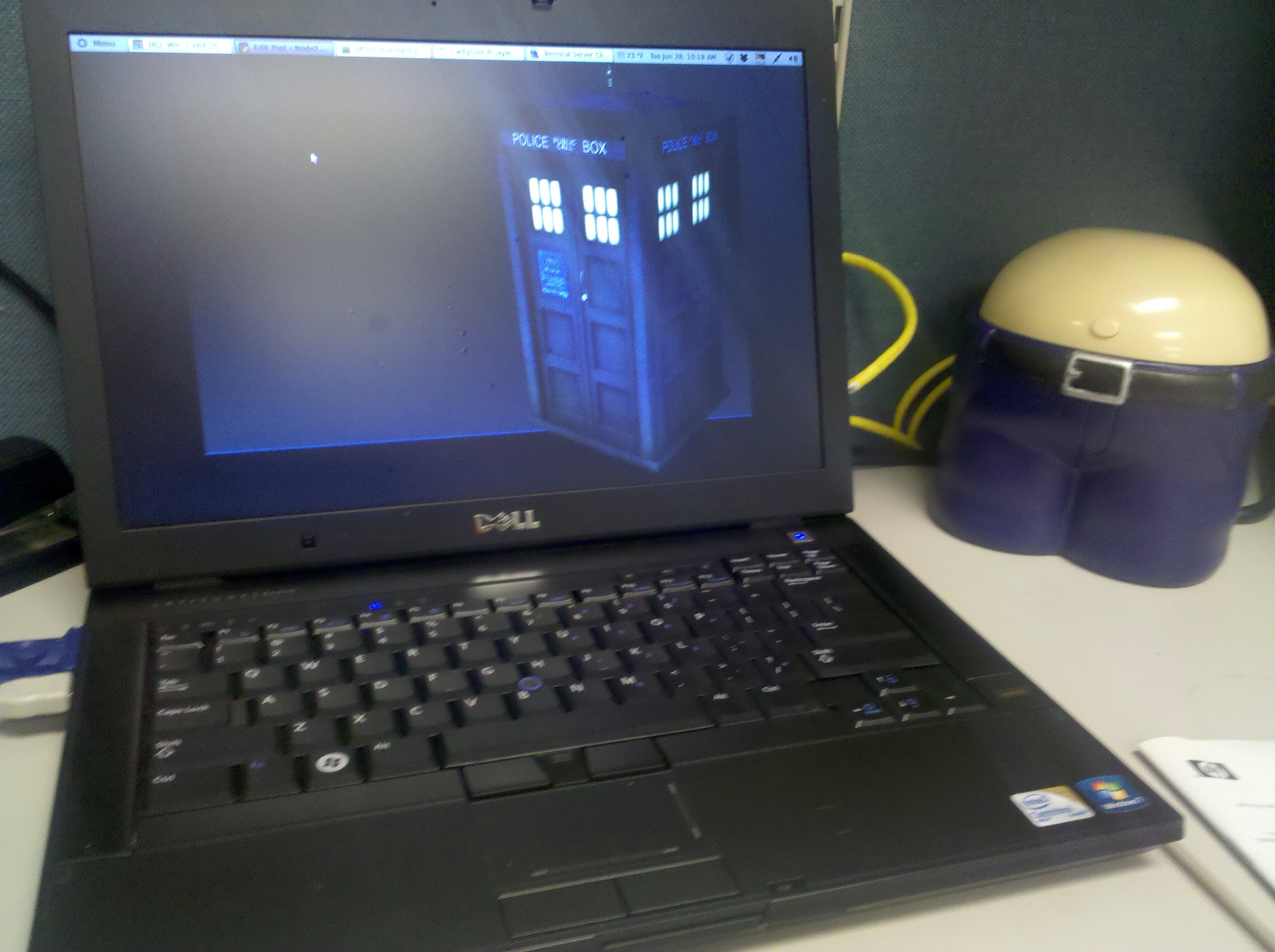
I had my work computer (Dell Latitude E6400) which runs Linux Mint 10 at home. The Dell PC and my Sager PC were booted and I gave a demonstration of each OS. After about 30 minutes, Ken wanted to run Linux Mint 10 on his Dell Inspiron1525. So I used my Linux Mint 10 USB stick to verify this PC would run Linux without problems for Ken. Everything worked except for the Dell wireless NIC. Linux Mint 10 was unable to detect the card, and since I was running out of time and didn’t want to configure it manually, I shutdown the PC and booted from my newly made Ubuntu 11.04 x32 and x64 ISO USB stick.
Ken’s PC is several years old so I tried the 32-bit version. For once I was pleasantly surprise with Ubuntu 11.04. Unity worked, and it wanted to install the proprietary drivers for the Dell wireless NIC. So I started the installation as a dual boot system and went back to some house work. I installed all third party codecs and drivers from the initial installation screen.
Afterwards I gave Ken a quick tutorial on how to use Ubuntu 11.04. Although I am not a big fan of the Unity interface, I think this might be a great introduction to new Linux users.
So far I’ve nothing but happiness from Ken about Ubuntu 11.04. He is using Facebook and has access to his e-mail. I wish I could have installed a client that would allow Ken to use his iPod Touch to connect to his iTunes store. If anyone knows of an application that will give Ken this ability in Ubuntu without using Wine, I would like to try it out.










 Drahusz