
Categories
 Drahusz
Flying Delorean, parachute pants, and neon everything! Today I created an 80s playlist with album art.
https://embed.music.apple.com/us/playlist/80s-vice/pl.u-qxylK7YTGbDvPN


Wishing you a blessed Christmas and a Happy New Year!


Went to he office in my basement for the first time in about 2 weeks and noticed I have my drone sitting on my desk waiting for me. Everytime I thjnk I’m going to fly, something else comes up. Need to get out there and shoot some video.
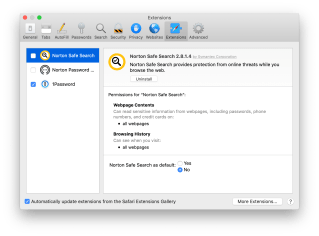
Back in October 2018, I purchased a 15″ 2017 Macbook Pro and to use as my main computer for home and the office. To be compliant, I installed Norton Security on my Mac and enabled all the features including those pesky browser extensions. The browser extensions disabled my ability to search Google from my Safari home screen and disabled my password manager, 1Password (one of my favorite applications). So I removed the extensions and thought everything was good to go.

Every few days I would receive a pop-up asking me to install the Norton browser extensions. No matter what, you can’t get out of it. Your only options are to Remind Me Later or Add. I searched the Internet and found that nobody had a solution. So I reached out to Norton and had the issue fixed with 30 minutes. All you need to do is install the extensions for all your browsers and then turn them off. Here are the steps

Ten days and about five different Wi-Fi networks later, and I have not been bothered with extension pop-ups!
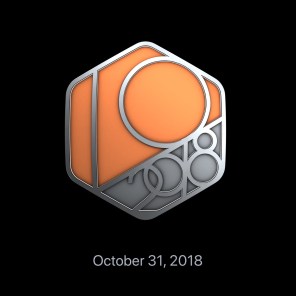
My October Challeng was to walk 156.4 miles and I beat the goal today with a total of 158.4 miles completed with seven days remaining. I walk about 2.25 miles per day during lunch and when I can, I walk more at night.

I enjoyed this challenge. Going for walks at night and listening to a custom playlist is relaxing… a good way to unwind after a long day of solving IT problems. Tonight I enjoyed a liesure walk at the local mall and picked up a small coffee (a big name brand that I normally don’t drink) to finish off the evening. No crowds and enjoyed some window shopping.
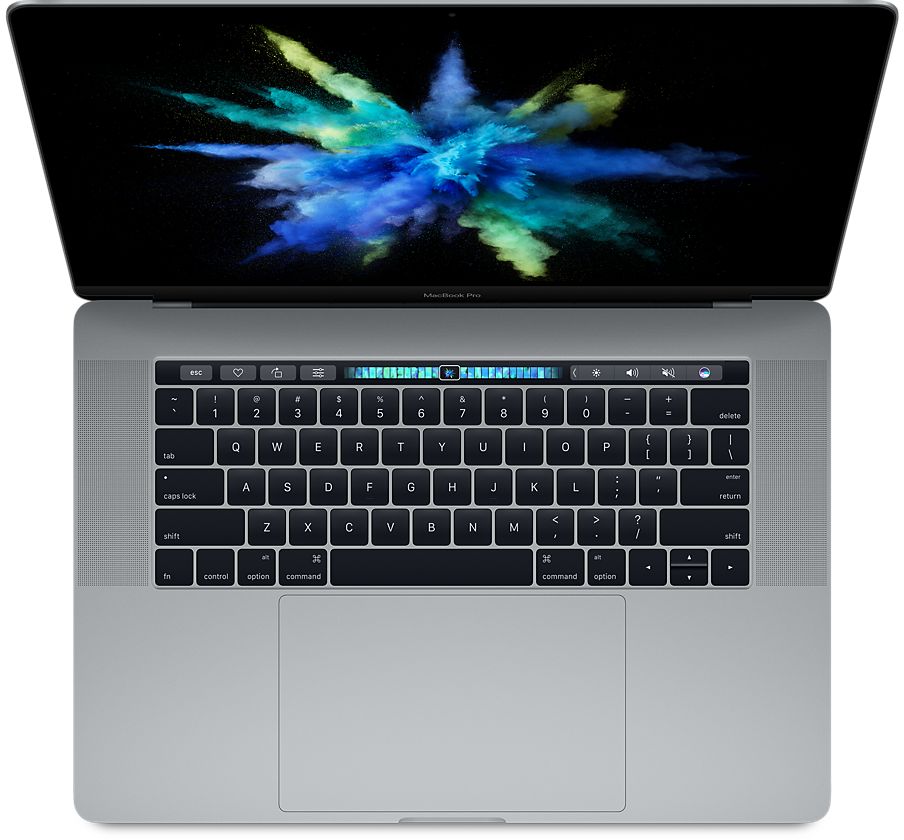
Today my new MacBook Pro (15-inch 2017) arrived by FedEx. Nope, I didn’t take a picture or shoot an unboxing video. No time for that.
I purchased the MacBook from B&H Photo. Yes, yo can get the better Coffee Lake processor with more RAM and most likely a faster SSD in the 2018 model, but that was too far out of my price range. After I got over the initial hiccup with the setup (which is what this post is about), I am enjoying my new 2017 MacBook Pro.
While I was setting up the Mac, I received an error after connecting to my home Wi-Fi. A critical software update was needed but there was an error. I clicked Try Again, and everything seem to work. I was able to set up with macOS High Sierra and everything was good to go. 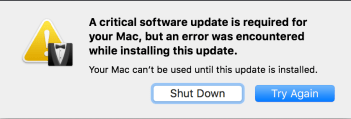 Then I plugged in the charger, and nothing. No power, no chime, no change in the battery icon. Weird. I rebooted the Mac and the same error came back, and nothing was letting me get past it. I found a discussion on an Apple Community and it resolved my problem.
Here are the steps and the link to the article I found:
Minor issue fixed! I am able to charge the Mac, update to macOS Mojave, install almost all of my apps, setup iCloud, and a few other things.
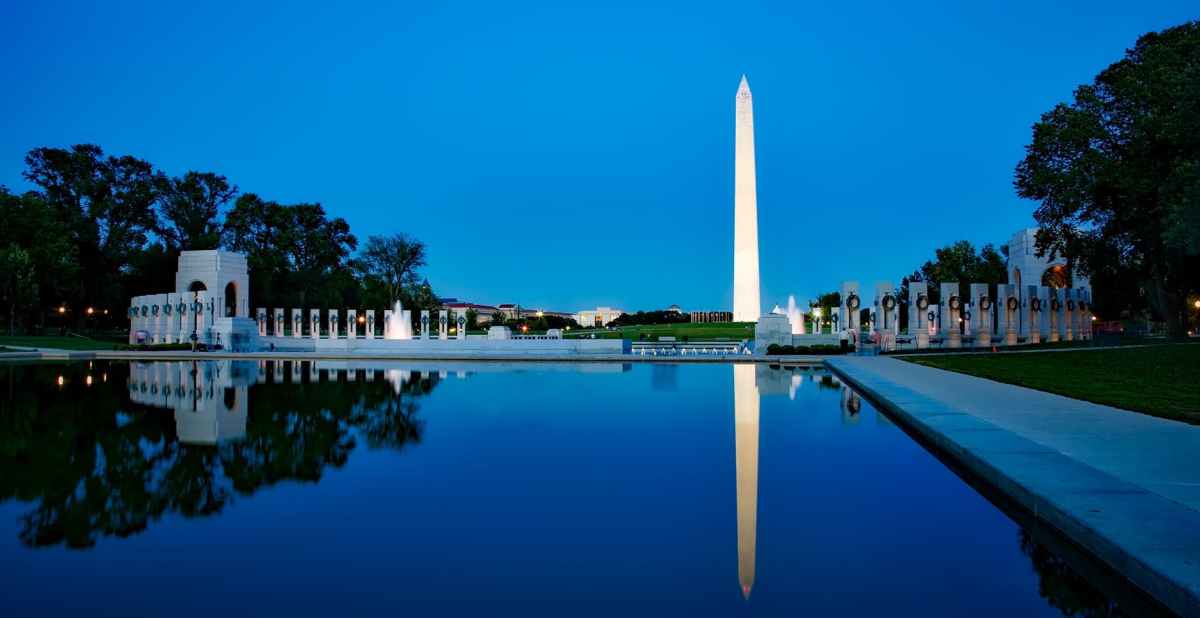
The kids were off from school on Friday for a teacher in-service day, so I took the family to Washington, DC for a 2 day trip. I’ve visited DC several times over the lat 25 years with my wife, and the Boy Scouts. This trip, however, was my daughter’s first. Our first stop was the United States Holocaust Memorial Museum.
The Unites States Holocaust Memorial Museum is a very emotional place to visit. My daughter took in a lot of information during the visit. Like the good student she is, she then repeated everything she read back to me and included information from books she read over the last few years. As always, there were a lot of students walking around chatting, looking at their phones, and have no clue of the past. Yet these are the same people who need a safe space because someone treated them unfairly. OK, I don’t want to get started on something political, so I’ll move on.
We stopped for lunch at Shelly’s Back Room and I had one of the best Blackened & Blue Cheese burgers in my life. The only thing that would have clinched it as a perfect meal would have been a draft beer. After lunch we were off to the Whitehouse, World War II Memorial, Lincoln Memorial, the Vietnam Veterans Memorial, and then to the Museum of Natural History, and we stayed there until closing. We cover almost 9.5 miles! Then it was off on the Metro to Arlington, VA to the hotel.
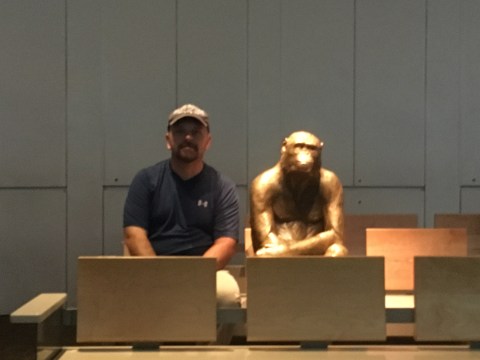
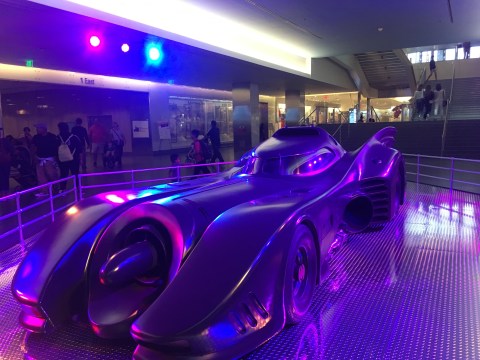
Saturday we checked out a few more places including the American History Museum before heading home for a Boy Scout Service Project. All in all, it was a full weekend with the family. Everyone had a great time, and I’m
looking forward to going back in March with our Boy Scout Troop to hike the city and check out some of the lesser known monuments.
The feature image on this post is a Photo by Pixabay on Pexels.
Exploring ways to live a healthier life
Reclaiming my inner badass at 50
A daily selection of the best content published on WordPress, collected for you by humans who love to read.
Informational Blog for Drone & Quadcopter Builders and Hobby enthusiast.
 Drahusz