Categories
BRACE YOURSELVES

 Drahusz
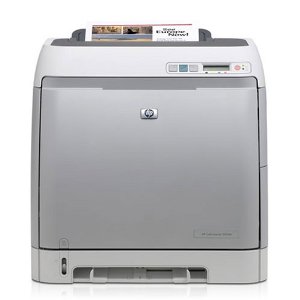
Over the last 2 months or so, I’ve noticed my color print outs did look as good as they use to. For example, I was working on a new idea for Cub Scouts, designing a new pit pass for the scouts to wear for Pinewood Derby in Spring 2014. The pass included a red, blue and yellow car, but the colors were off. The red car car looked yellow-orange with yellow flames.
So I ran the color calibration from the printer, and afterwards, the pit pass looked the same. I prided the supplies status page to verified there is toner, but it looks faded. So I stared searching for a reason why this was happening, and I came across the following page.
The problem is the mirrors in the optical box on the HP Color LaserJet 2605, the box is not sealed. The mirror for the magenta cartridge collects a lot of dust. This dust keeps the laser from reflecting off the mirror correctly, and preventing toner from being picked up and placed on the paper.
The process took me about 2 hours 45 minutes to complete, but it was well worth it. My printer works great. Except for this one issue, the output is fantastic. Also, I didn’t have to spend $300 plus on a new printer. Below are pictures of the status supply pages.


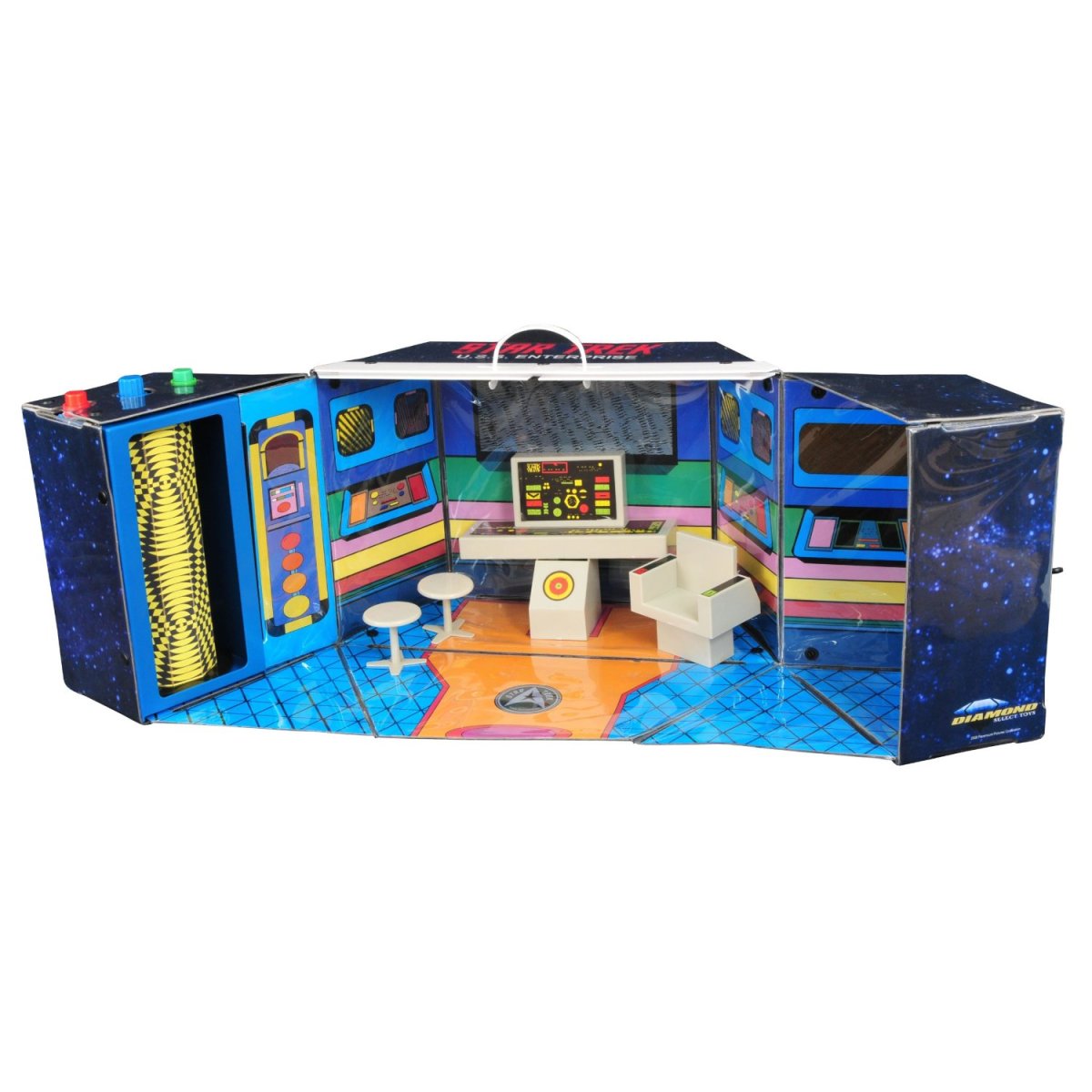
I love Star Trek. I remember watching Star Trek – TOS reruns at a kid in the 70’s, watching the animated series, and having the Enterprise “action figure” play set (here is a recreation of the 70’s toy). Today I’m still a huge fan of Star Trek. I have a Next Generation custom made uniform (I look like fat Riker when I wear it), pins, books, blue prints, DVDs, and other stuff.
This morning I came across a post talking about the Google Doodle for Star Trek – TOS. If you don’t get to see it before it comes down, here is a Youtube video of everything you can click on.
Live long and prosper.
Soon my original Motorola Android will be replaced with an iPhone 5. I might have to work from home that day to check out the event.

OK… Whatever works to unbox your new Nexus 7.
And it only took a few seconds!
I originally saw this at CultofMac, and it was a day brightener. Reminds me of TV and movie goofs.

Here to wishing you a Happy Picard Day!
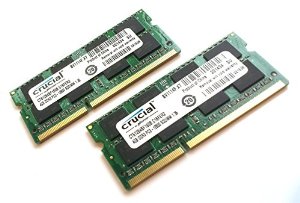
I’ve been using the iMac constantly since I bought it. It has replaced my Sager Core i7 as my primary computer. About a week ago I upgraded the RAM to 12GB so I could play Team Fortress 2 and Diablo 3. Oh and the memory upgrade also helped with running the Windows 7 Enterprise virtual machine I need for work.
So let’s talk about the memory upgrade process. According to Apple, the most RAM my 2011 Core i5 iMac can upgrade to was 8GB. I really had a hard time believing this. I can see 32GB being a maximum. So I started looking into going beyond the 8GB limit. Normally I purchase memory from 4allmemory.com, but several colleagues mention looking at Crucial.com. The Crucial website had an option to scan my computer for the exact match. So I downloaded the zip file and extracted CrucialMacScanner.app. The information will open in your default web browser.
I can upgrade the AM to a maximum of 32GB. WOOT!! I scaled the WOOT back after checking the price for a 16GB kit. So I went with a 8GB kit to bring the total system RAM to 12GB. The price seemed fair, and Crucial is a trusted company. I received the memory within a few days and installation occurred shortly after dinner.

The link Crucial provided for video directions were for a Dell GX desktop computer. FAIL!! The correct directions are located on Apple’s Support web site. However, the web site also states the maximum RAM is 16GB. FAIL!! Besides that, the directions were perfect.
OK, now I have plenty of RAM, time to purchase Diablo 3. I am a big fan of the Diablo series. My friends and I have played for 14 hours strait (before children) at LAN parties. I still have my original characters. I have to admit about not being too thrilled about logging into Battle.net just to play, but I like the idea now and here’s why. Diablo 3 is installed on both iMac and my Sager notebook. I can play the on either computer, and have access to my characters. So if the kids are using the iMac, I can pickup where I left off with my notebook. WOOT!!
Some users have complained about the performance of Diablo 3 on the iMac. I have not seen any issues with the game. I tweaked the video settings up a little, but I didn’t go crazy with enabling every single shadow, rain drop or whatever. I average about 80 FPS (Frames Per Second). I doubt I would see a performace hit with multiplayer.
Exploring ways to live a healthier life
Reclaiming my inner badass at 50
A daily selection of the best content published on WordPress, collected for you by humans who love to read.
Informational Blog for Drone & Quadcopter Builders and Hobby enthusiast.
 Drahusz